

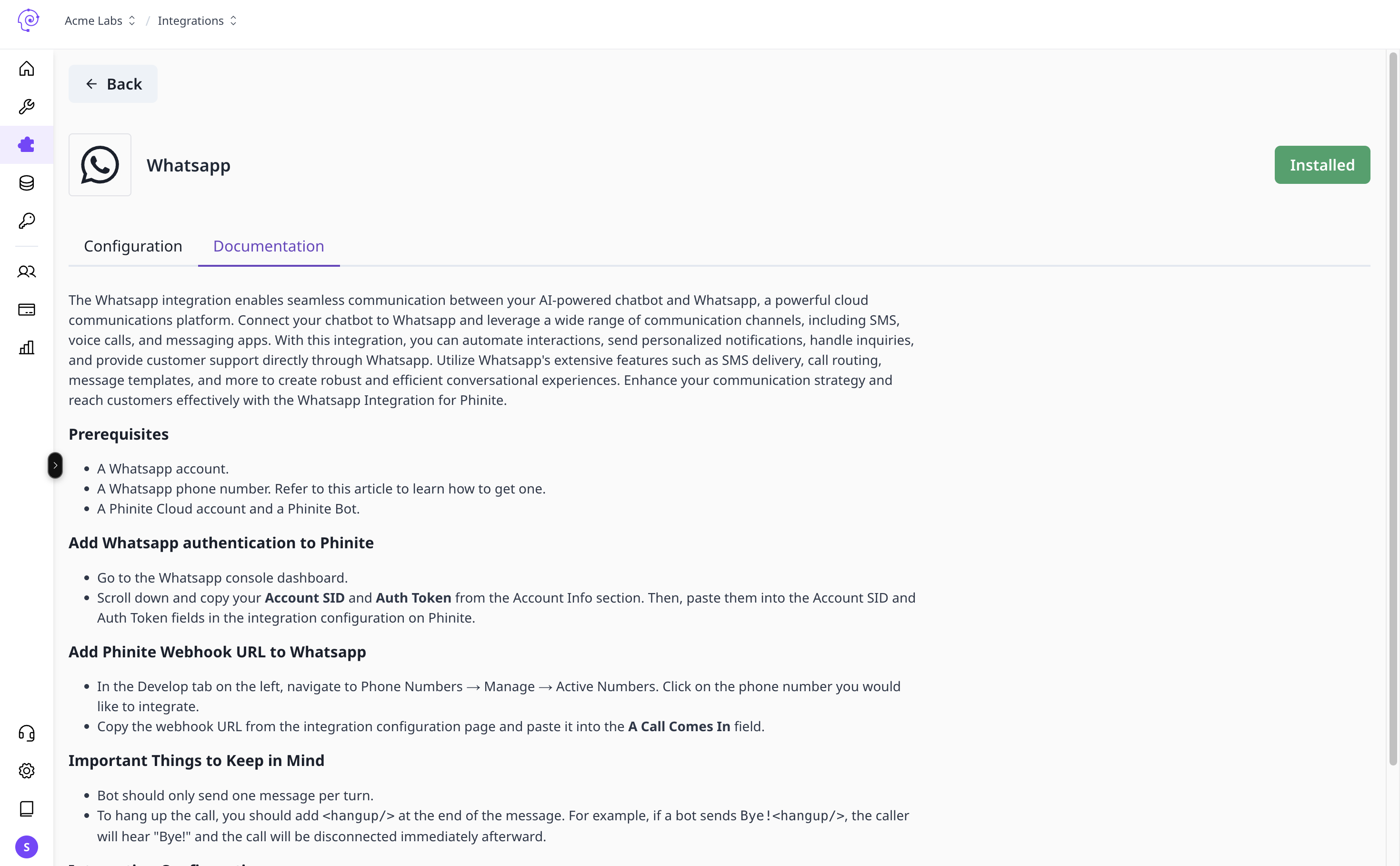
WhatsApp requires Business API credentials and a verified webhook. Assign an Agent Build per environment after the channel is connected in Integrations.
Set up WhatsApp
- Obtain WhatsApp Business API credentials from Meta or your BSP.
- Open workspace Integrations → Channels → WhatsApp.
- Create a configuration — enter API tokens, phone number ID, and related fields for Development.
- Copy the DEV webhook URL from the saved configuration.
- In your WhatsApp / Meta developer console, point inbound message webhooks to that URL.
- Save your Conversational Agent Graph and create an Agent Build.
- In Graph Studio, Deploy → Deploy to Channel — select WhatsApp and assign the build to DEV.
- Send a test message; verify the session in Observability logs.
- Promote to UAT / PROD with environment-specific webhook URLs.

WhatsApp channel integration

