

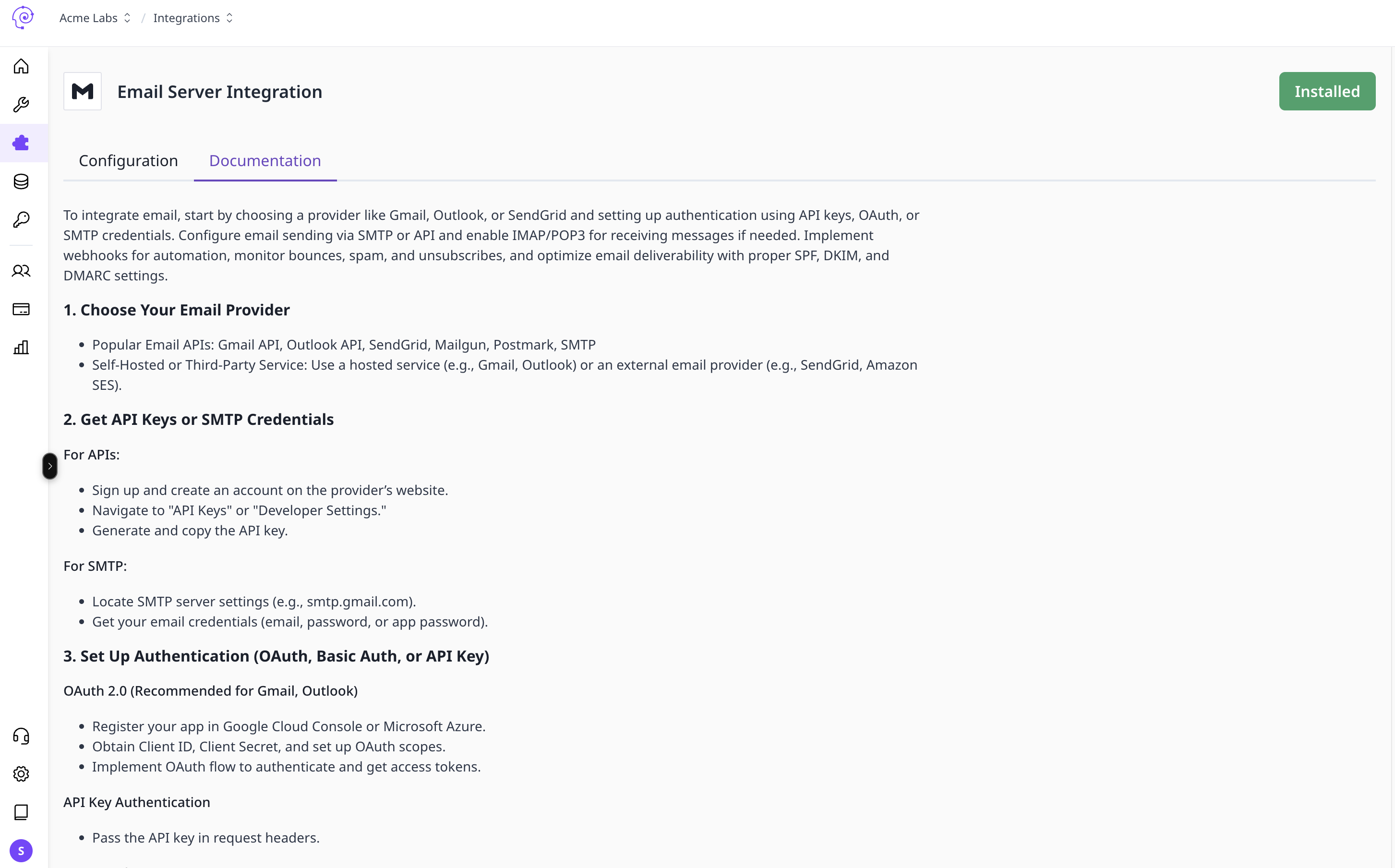
The workspace filter may still show an Email chip for legacy graphs. New Agent Graphs are created as Conversational or Autonomous only — email channel deploy applies to Conversational graphs handling inbound mail.
Set up email channel
- Open workspace Integrations → Channels → Email.
- Connect your provider — configure SMTP/IMAP or provider API credentials for Development.
- Set inbound routing so new messages hit the Phinite channel endpoint (webhook or polling per your integration type).
- Save your Conversational Agent Graph and create an Agent Build.
- Deploy → Deploy to Channel — select email, assign build to DEV.
- Send a test inbound email; confirm the Agent Graph session starts and replies as expected.
- Promote build assignment to UAT / PROD when validated.

Email channel configuration

