

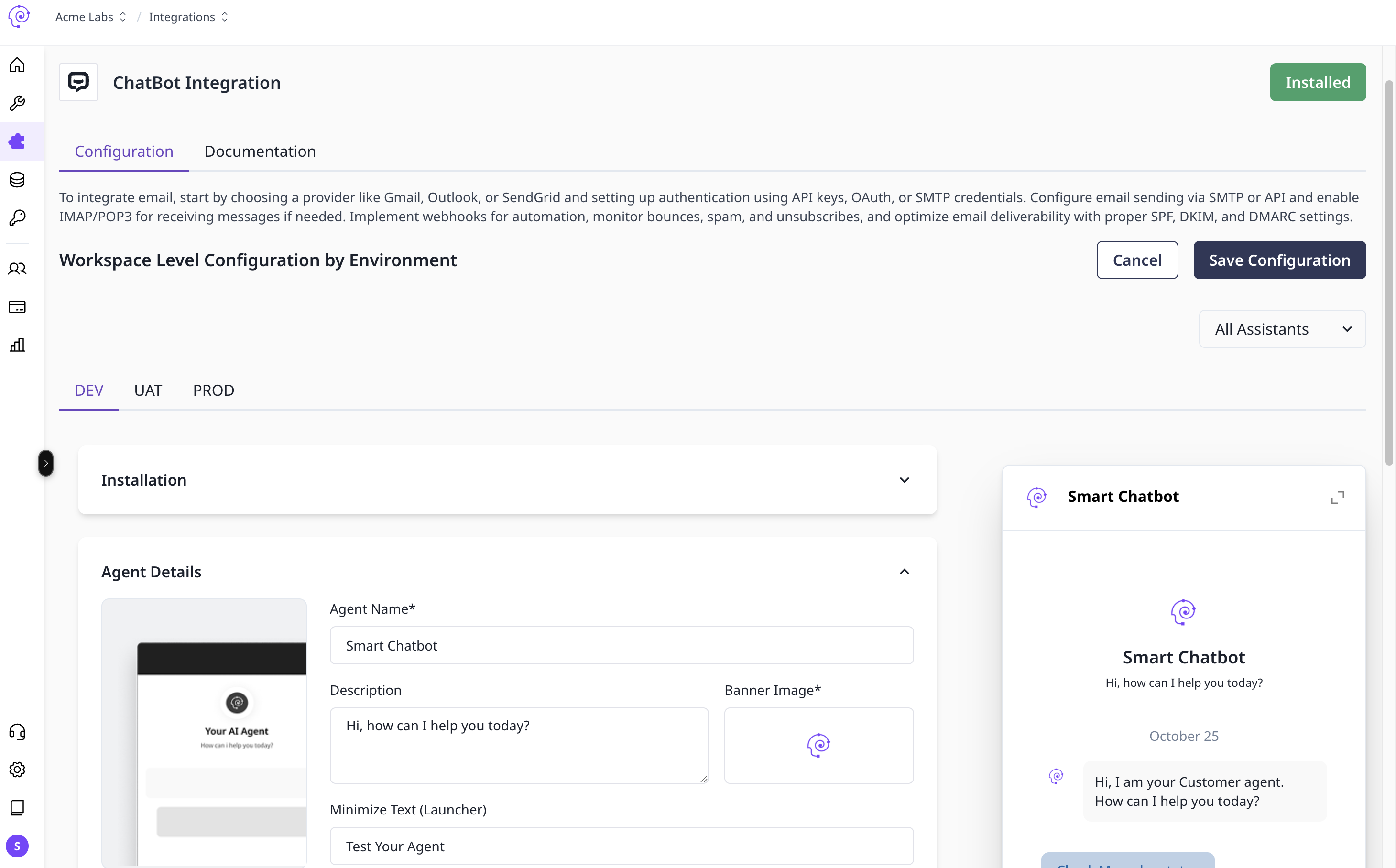
Web chat deploys a Conversational Agent Graph via an embed script. Create an Agent Build and use Deploy to Channel to map the widget to DEV / UAT / PROD.
Set up web chat
- Save your Conversational Agent Graph and create an Agent Build (Builds overview).
- Open workspace Integrations → Channels → Web Chat (or the web chat option in your tenant).
- Create a channel configuration — note webhook or embed settings for Development first.
- In Graph Studio, Deploy → Deploy to Channel — select web chat and assign the build to DEV.
- Add the embed script to your site (copy from the integration or deploy confirmation).
- Configure appearance — colors, logo, position, and greeting copy in the channel settings.
- Test the widget in DEV; promote build assignment to UAT / PROD when ready.

Web chat channel configuration

