

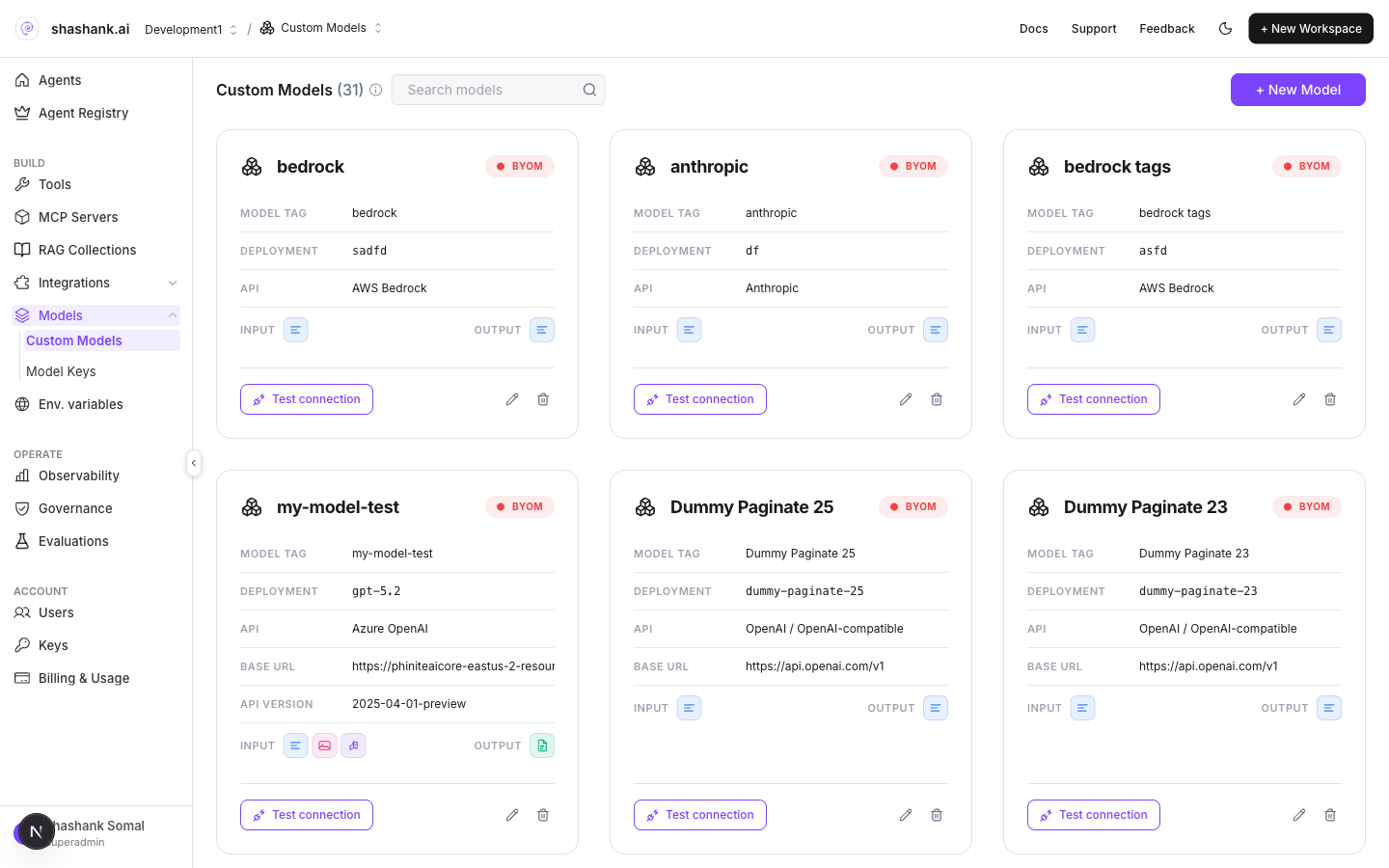
Custom Models — workspace BYOM list
Where in the product
Custom Models are distinct from Model Keys (BYOK provider keys for catalog models). Models hub shows both: Custom Models + Model Keys.
Add a custom model
- Open BUILD → Models → Custom Models.
- Add a model (provider compatibility, endpoint, deployment name, credentials, capabilities).
- Save — the model appears in the workspace list.
- In Graph Studio, open an agent node Details tab and open Change model.
- Enable Bring your Own(Custom), select Bring your own Model, pick the model (or + Add New Model), then Done.
- Save the Agent Graph before Build.
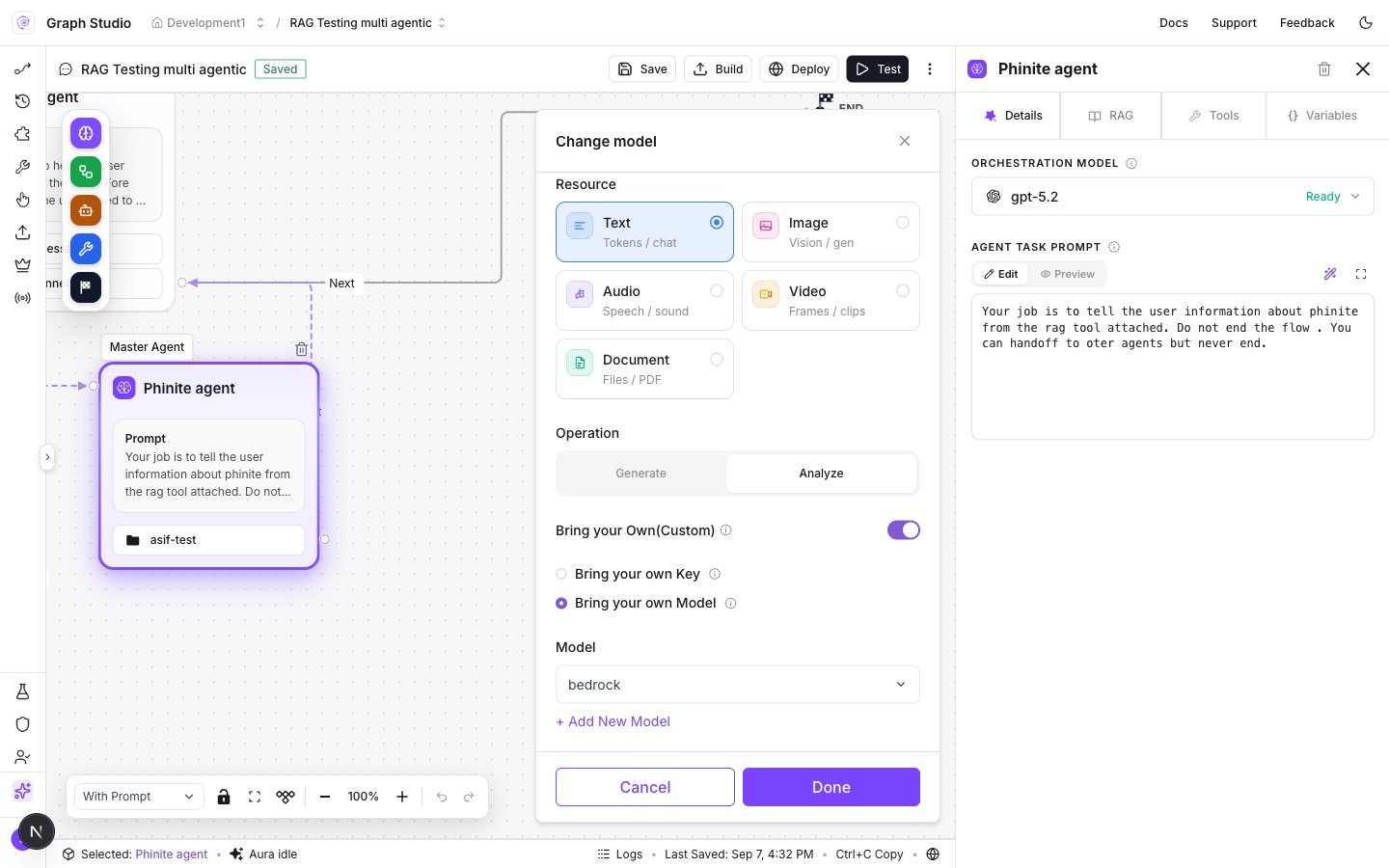
Change model — Bring your own Model selected
Public Agent Card restriction
Agent Graphs that use a BYOM model cannot be published as a public Agent Card. Replace the BYOM model with a supported catalog (or Phinite-managed) model before publishing publicly.Related
Models hub
Custom Models and Model Keys together.
Expose as A2A
Agent Card publish path and visibility.