

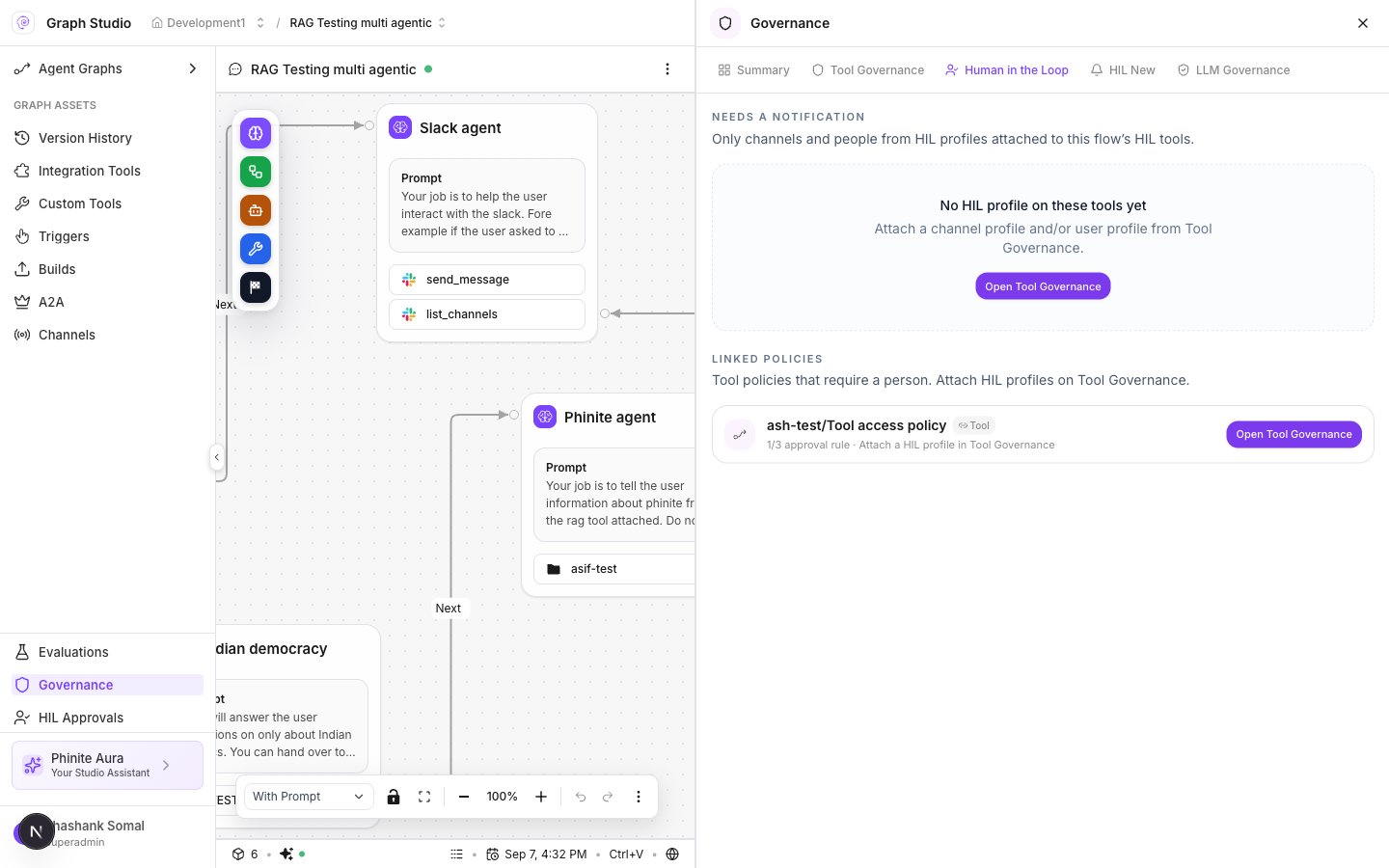
Studio Human in the Loop
Human in the Loop tab
Scope chips: Flow-level or Node-level · {id}.
HIL New — destination profiles
HIL New prominence: profiles for where Accept/Reject lands — users and channels — then attach to tools that need HIL.Start options
Profile fields
- Open Governance → HIL New → create profile.
- Set Name and Description.
- Choose destination: Dashboard, Slack, Microsoft Teams, or Other channel.
- For Dashboard: People and groups (+ optional email notify).
- For Slack/Teams: pick a workspace connection / channel (
integrationId+ channel ref). - Save. Lists show In Use and Available with Attach / detach.
Attach HITL to a policy
- Create or open a policy with Human approval rules (Tool policies).
- On attach, set Approval delivery → Dashboard and/or Email.
- Optionally use Attach HIL / HIL New profiles for richer destinations in Studio.
- Approvers work the queue in Approvals.