

?tab=eval). Panel title: Agent Evaluations. Header link History jumps to workspace History / Sessions.
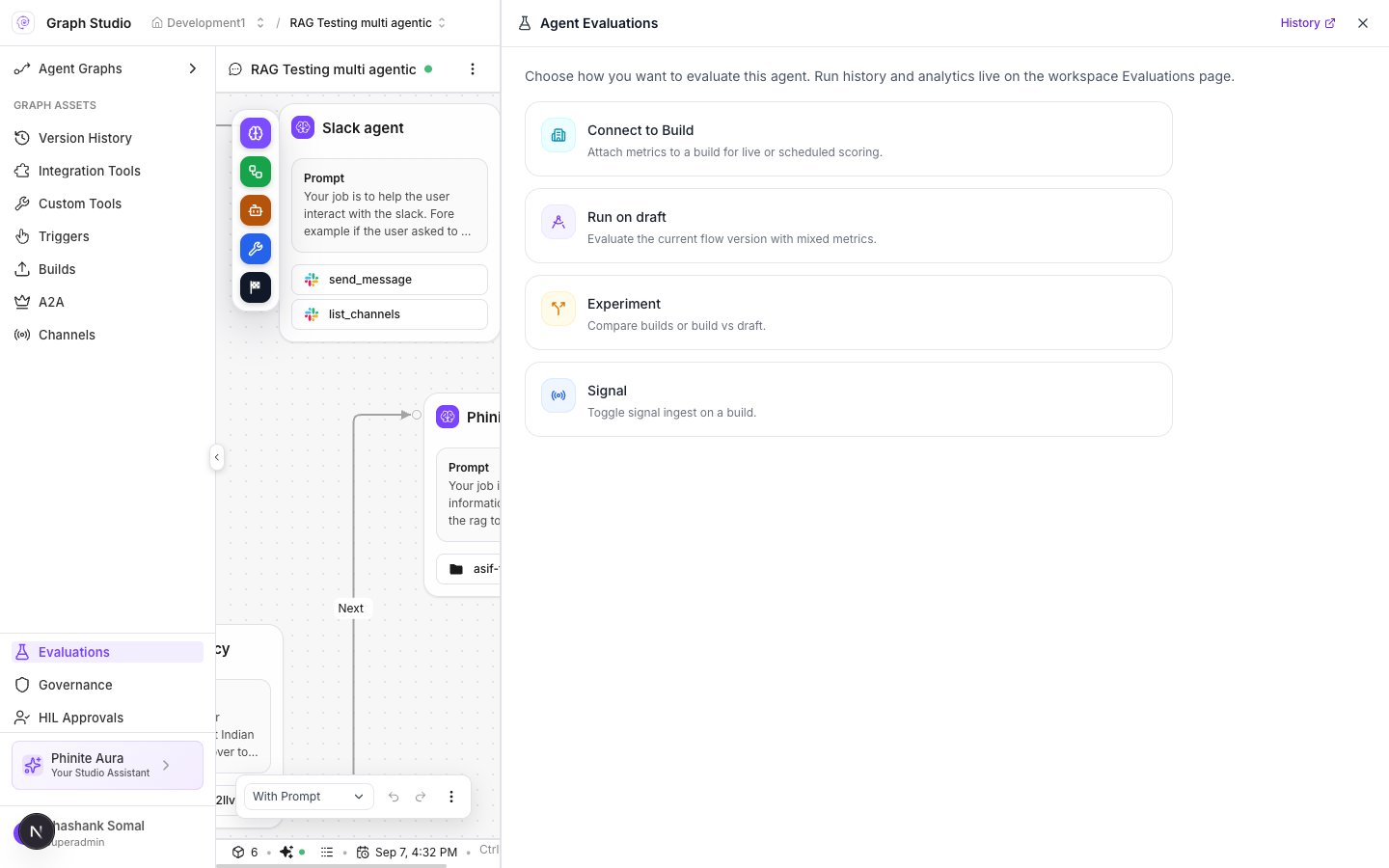
Agent Evaluations panel
Entry points
Copy under the title: Choose how you want to evaluate this agent. Run history and analytics live on the workspace Evaluations page.
Signal panel
After Signal:- Copy explains enabling/disabling signal ingest per build.
- Columns: Build · Version · Since · Signal (toggle).
Experiment
Selecting Experiment shows placeholder copy (Compare different builds, or build vs draft.) without a full wizard yet. Prefer Connect to Build or Run on draft for production scoring.Deep dives
- Connect to Build — Mode → Build → Metrics → Review.
- Run on draft — Dataset → cases/sessions → Metrics → Launch.
- Workspace Analytics / History — results after runs complete.