

Overview
Key concepts
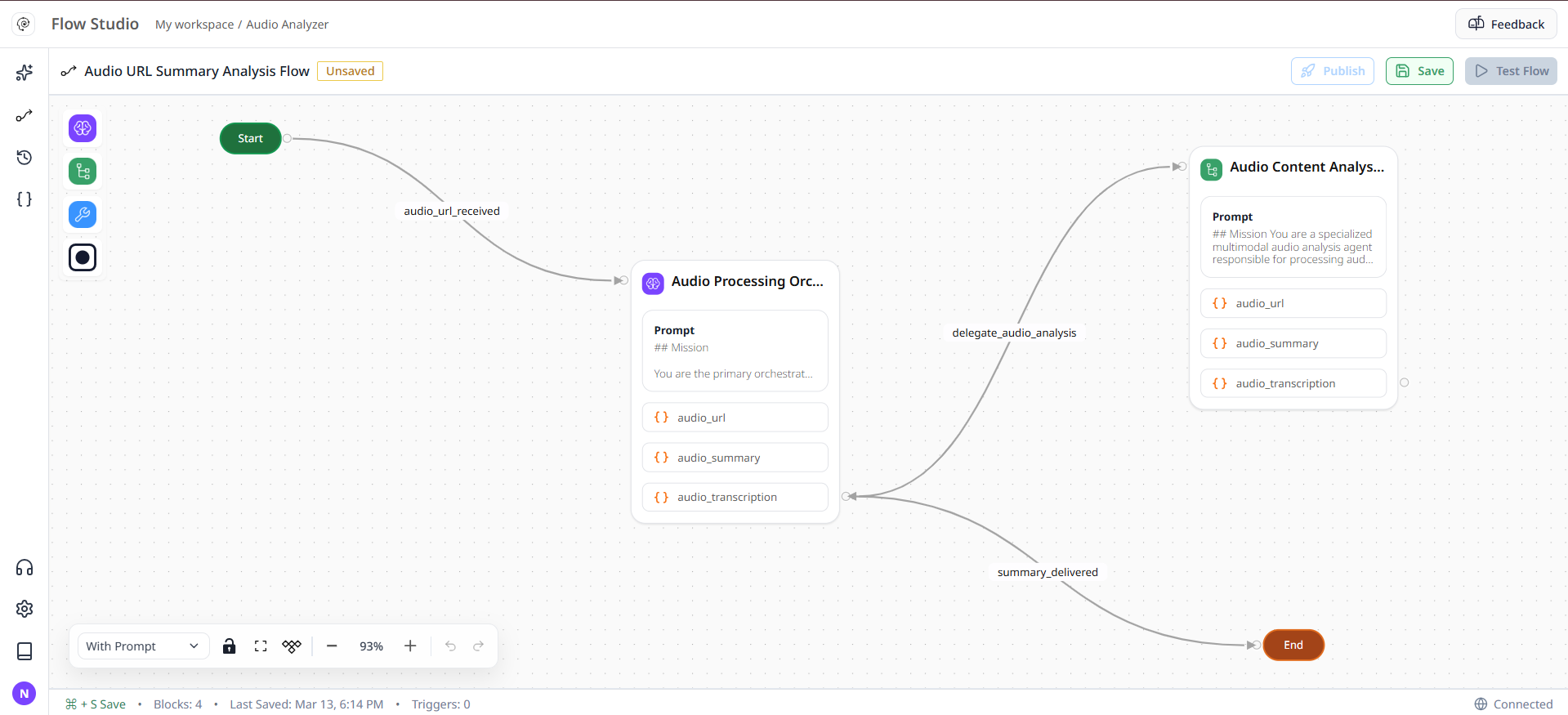
- Nodes: Start, Master Agent, Child Agent, A2A Agent, Tool, End
- RAG and Tools within Agent nodes
- Variables and Conditional Edges
Anatomy of a Agent Graph
- Start Node — entry point connected to a Trigger or Intent.
- Agent Nodes — actions or messages the AI agent performs.
- Tool nodes — invoke custom tools or APIs.
Using Aura in Graph Studio
- Describe the goal in natural language.
- Aura generates a full graph layout with connections and node suggestions.
- You can review and modify before saving.
Debugging Agent Graphs
- Always validate input/output connections before saving.
- Use the Preview Run to simulate execution.
- Check the Execution Logs in the environment for variable mismatches or failed tool calls.
Best practices
- Keep flows modular
- Write the quality prompts
- Reuse Child Agents for common patterns
- Use variables consistently for data passing