

Overview
A Build is a versioned snapshot of an Assistant, including all its dependencies — flows, intents, triggers, and tools.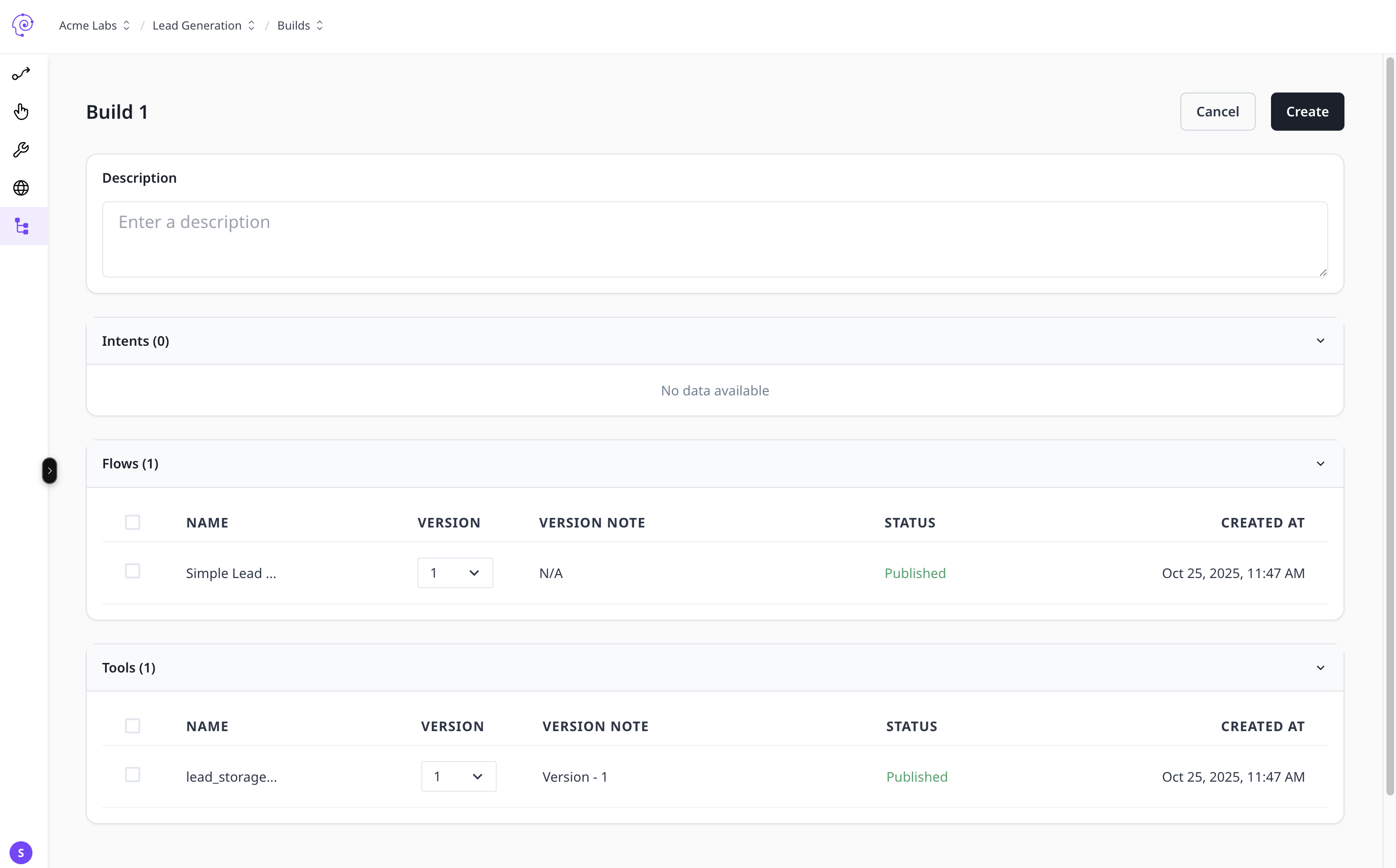
Build Lifecycle
- Draft — editable version.
- Build — frozen snapshot for deployment.
- Release — active and live.
- Rollback — revert to a previous stable version.
1
Create Build
From the Assistant view, select Build → Create Build.
2
Select Environment
Choose Dev, UAT, or Prod.
3
Validate Dependencies
Ensure all flows, tools, and triggers are linked with proper versions.
4
Deploy
Publish the build and monitor its performance.
Best practices
- Version notes for every release
- Promote from Dev → UAT → Prod
- Use rollbacks when needed