

Overview
Phinite provides isolated environment variables for secure development and deployment. These variables can be used within your custom tools and are accessible through theenv_variables dictionary in your Python code.
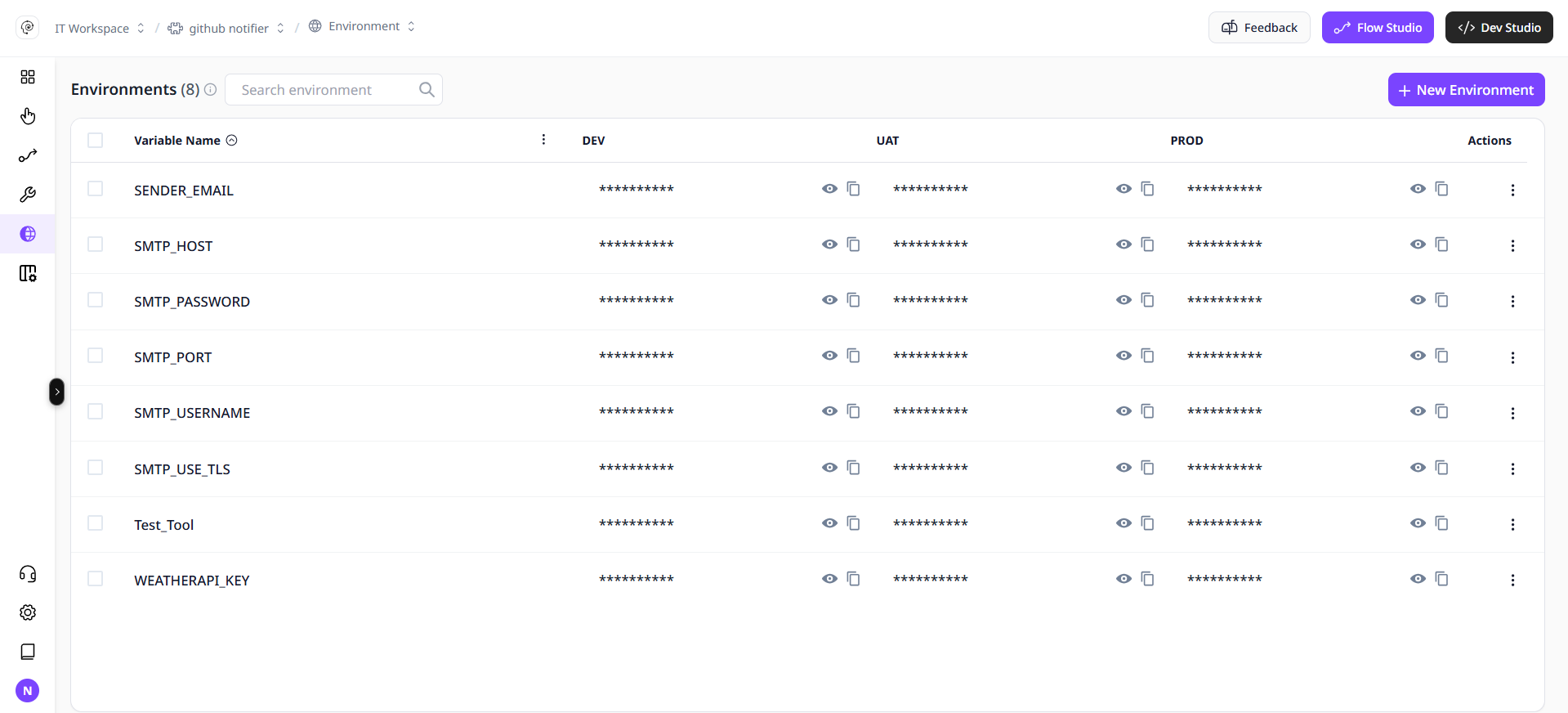
Default Environments
- Dev — for experimentation and iteration.
- UAT — for staging, pre-production testing.
- Production — live environment accessible to end users.
Environment-Specific Controls
- Role-based access
- Build version mapping
- Logging and observability per environment
- Dev: rapid iteration and testing
- UAT: stakeholder acceptance testing
- Prod: live users and traffic
Best practices
- Strict access controls per environment
- Separate credentials and secrets
- Clear promotion policies