

Steps
1
Open the agent node
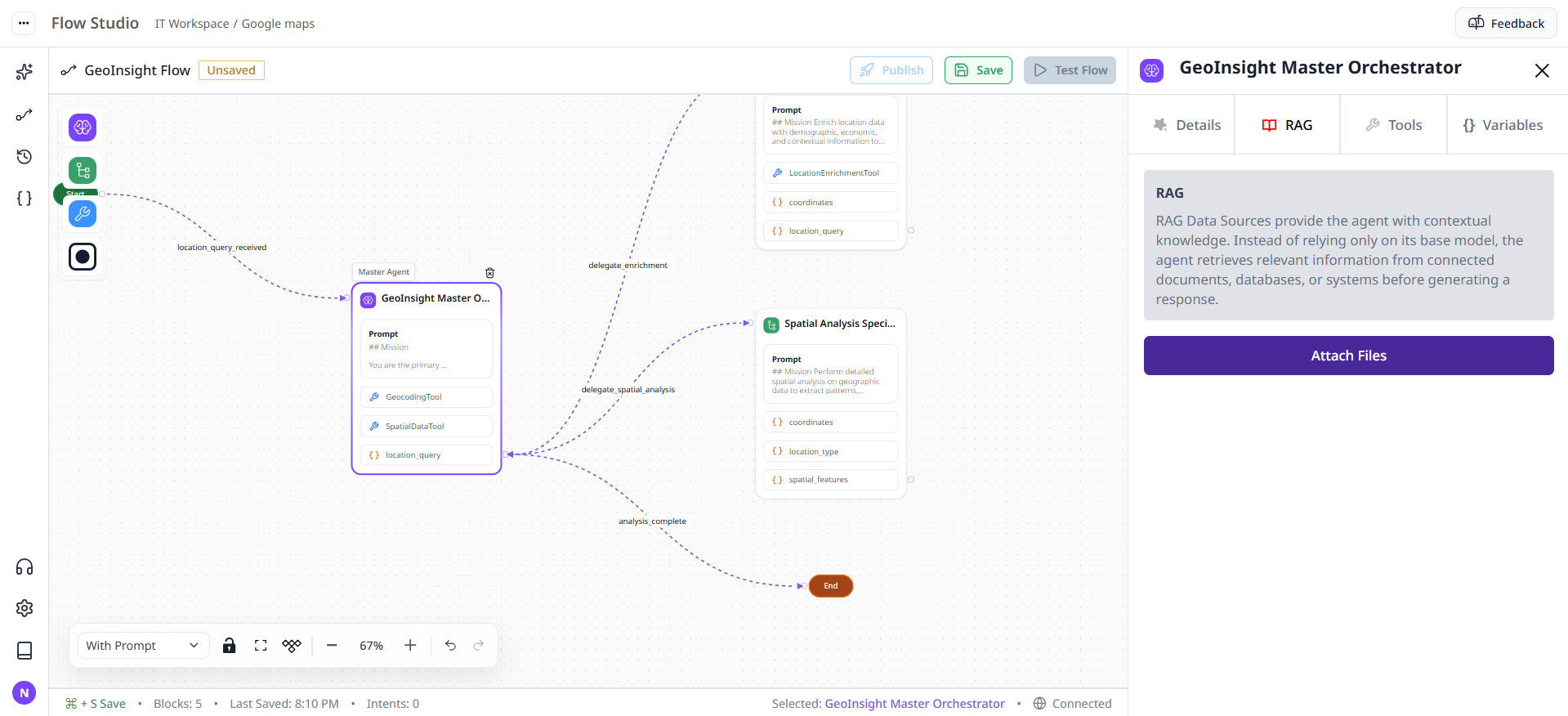
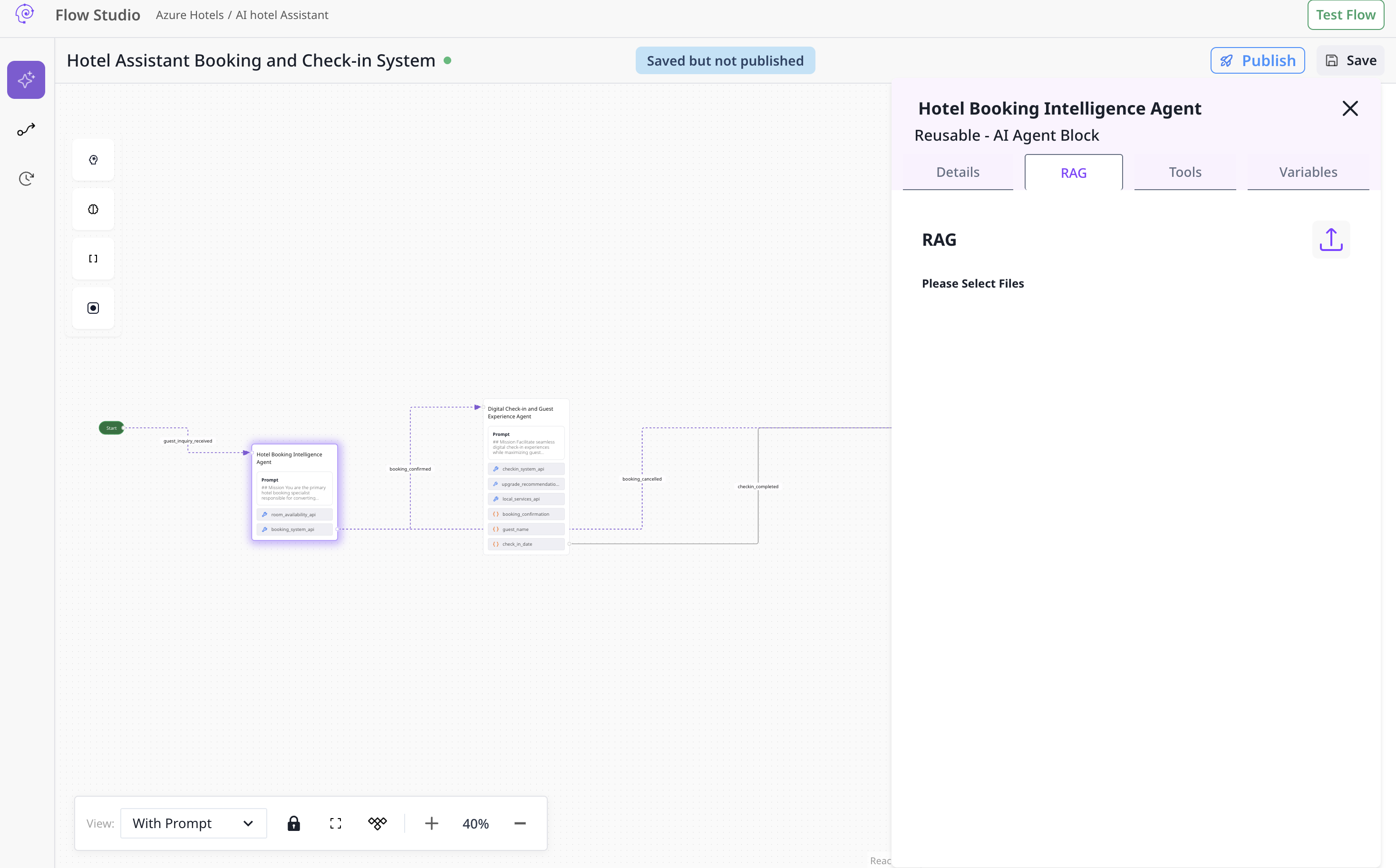
2
Select data source and items
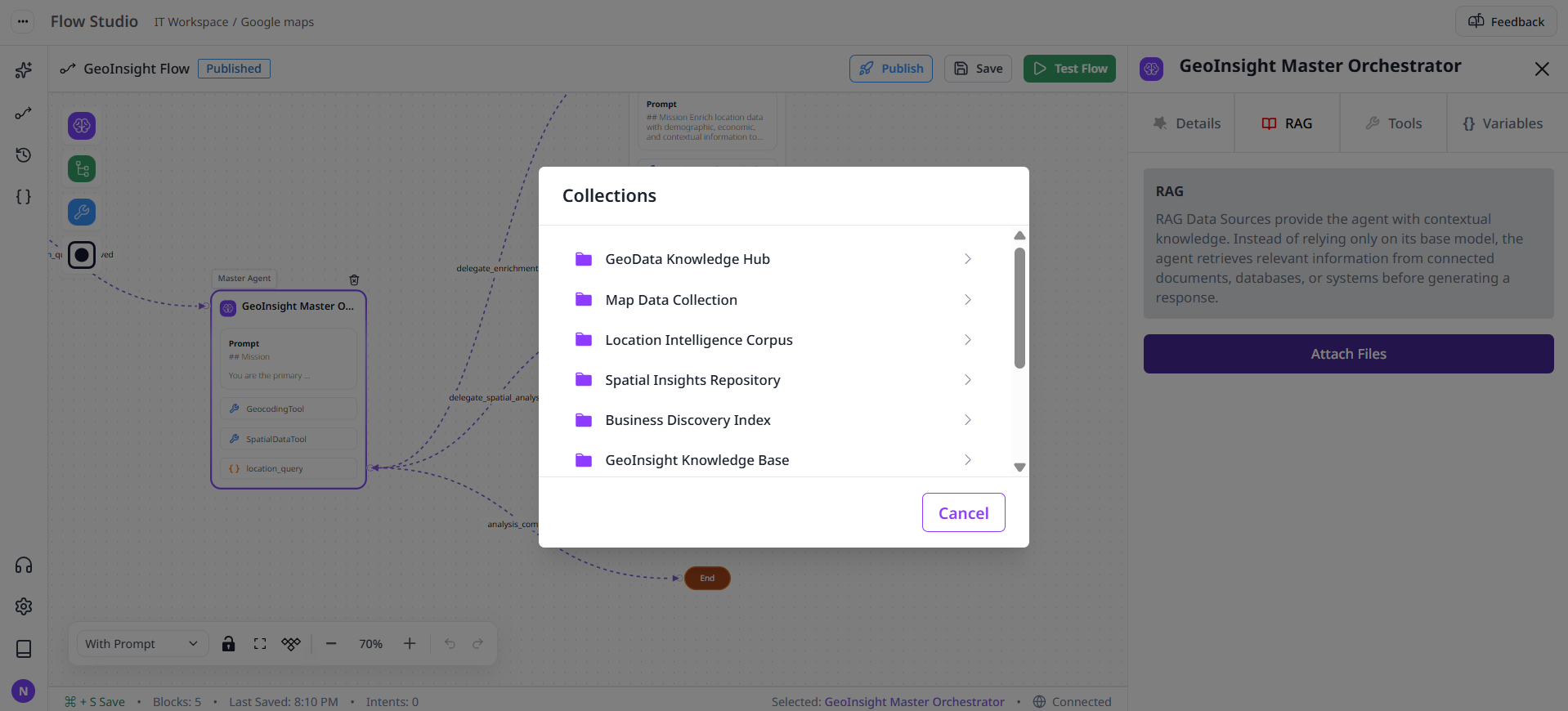
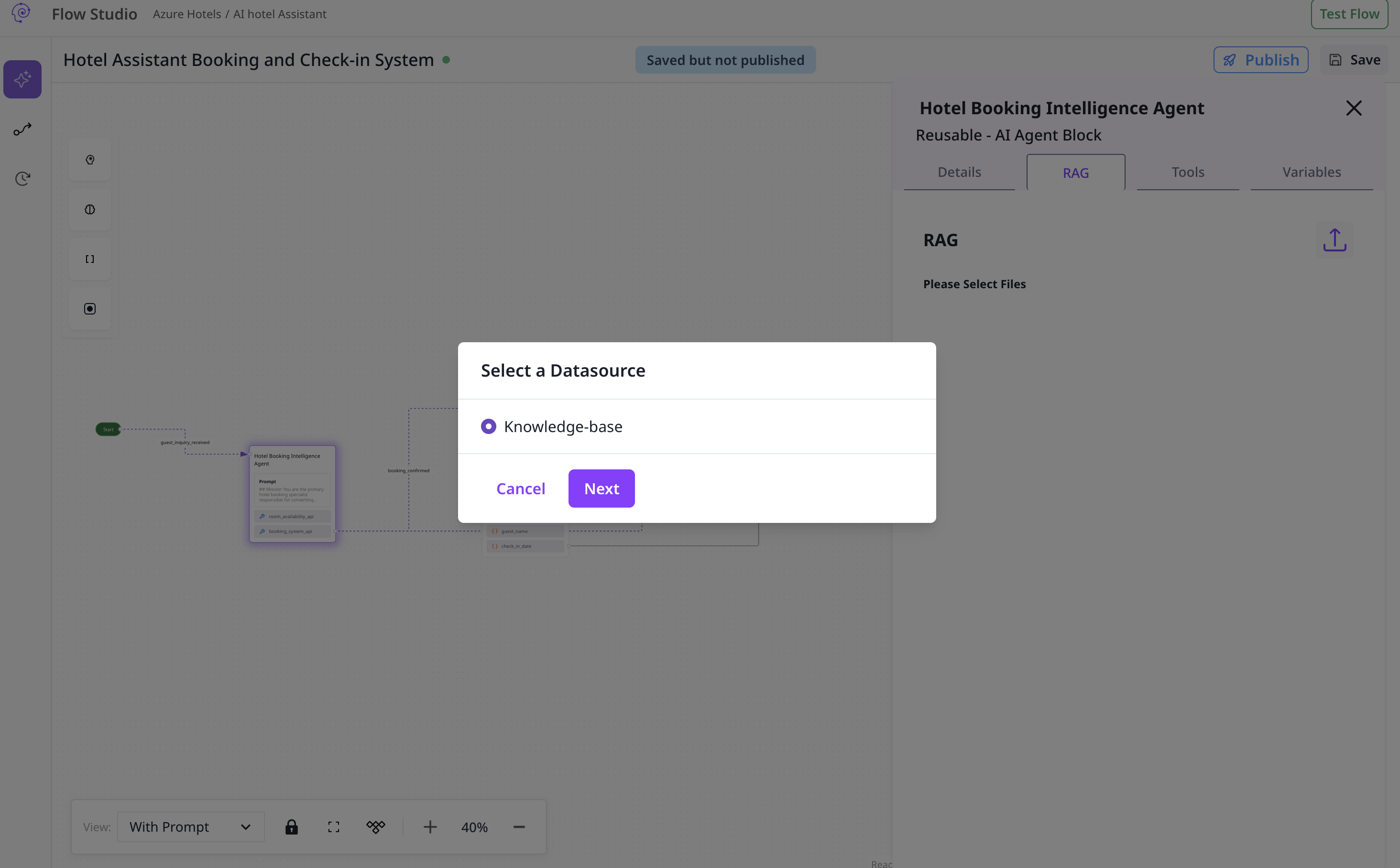
3
Save and test
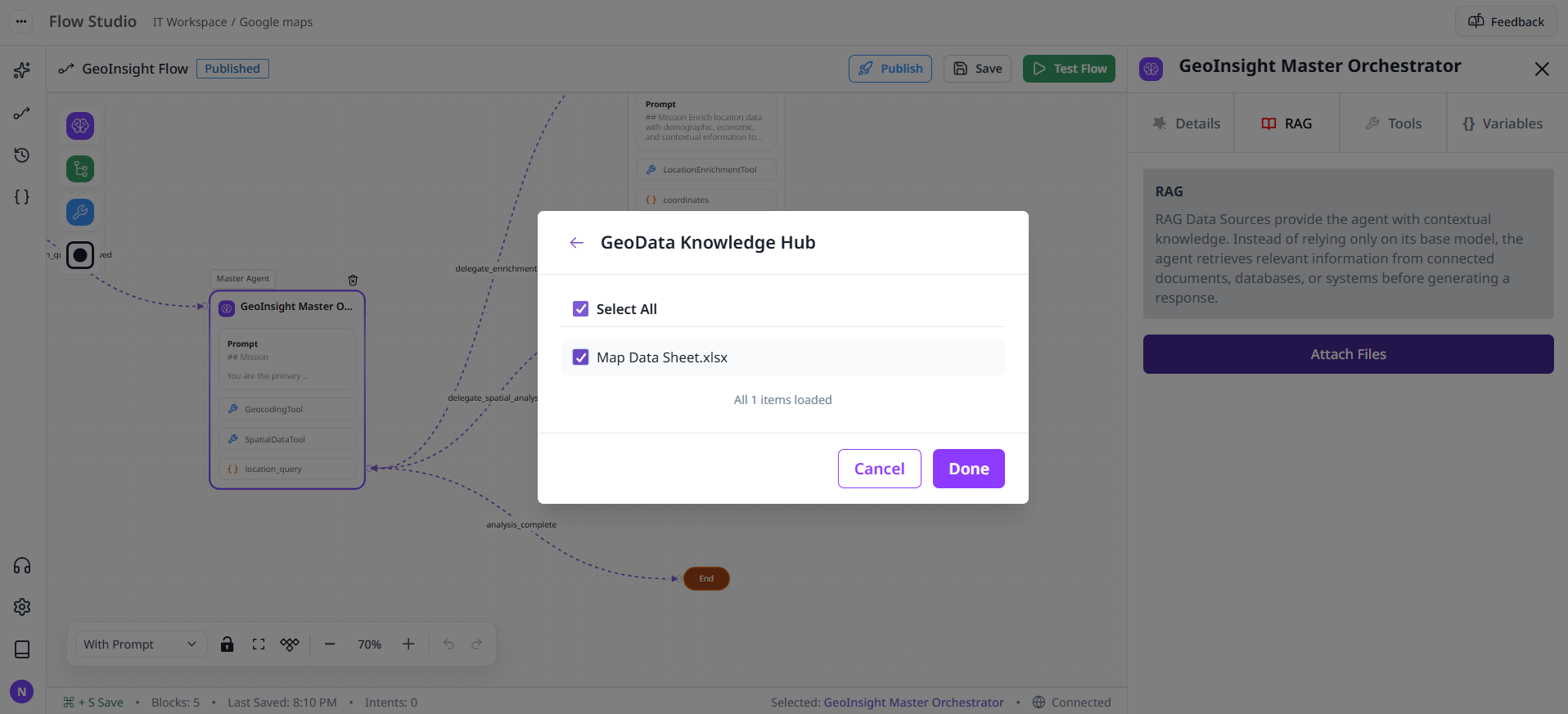
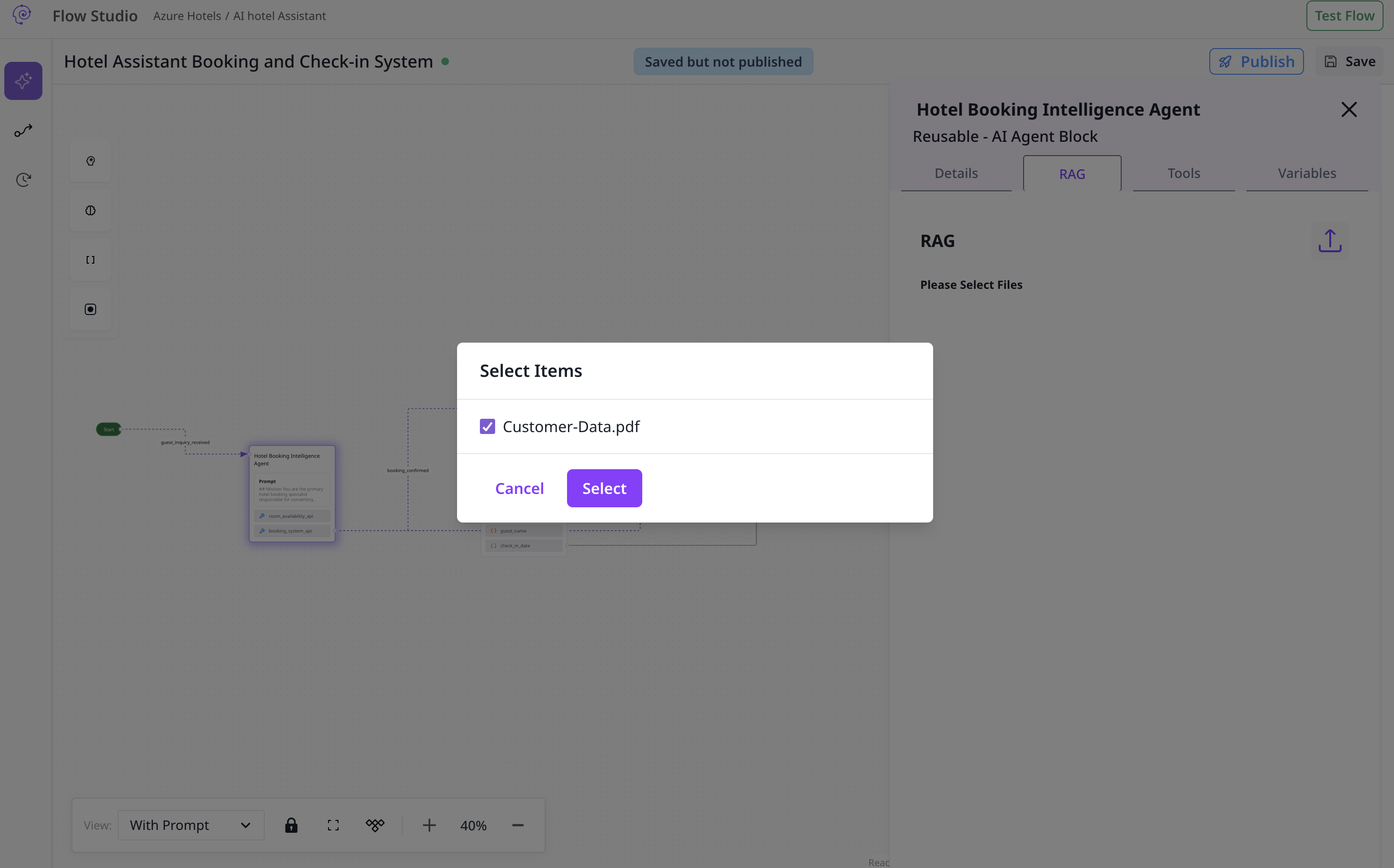
The agent should now cite or leverage attached knowledge where appropriate.
Attach collections to agent nodes via the RAG tab.
Open the agent node
Select data source and items
Save and test