

Attaching RAG
Use the RAG tab to select data sources and specific items (documents, tables, etc.). The selected list is saved with the agent and used at runtime.1
Open RAG tab
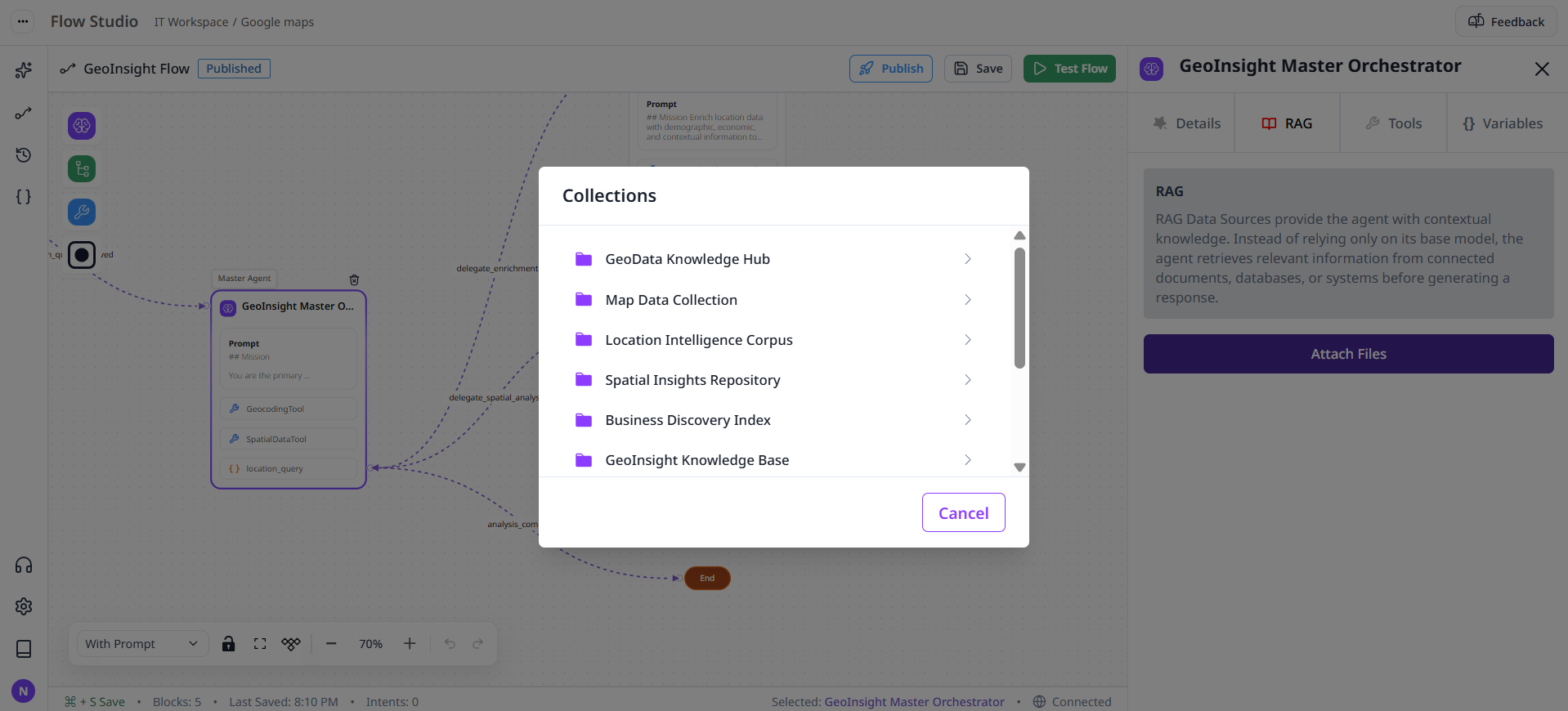
2
Choose a data source
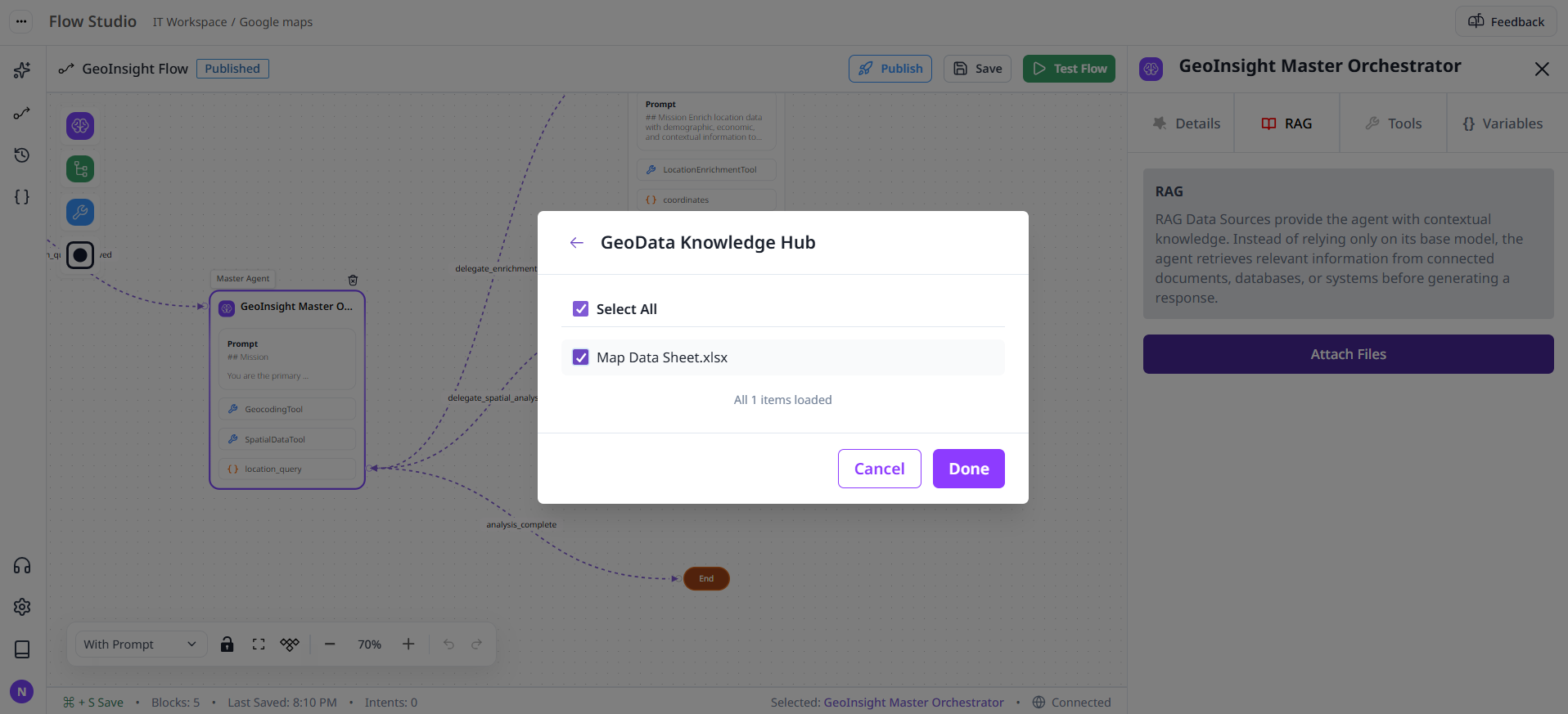
3
Save
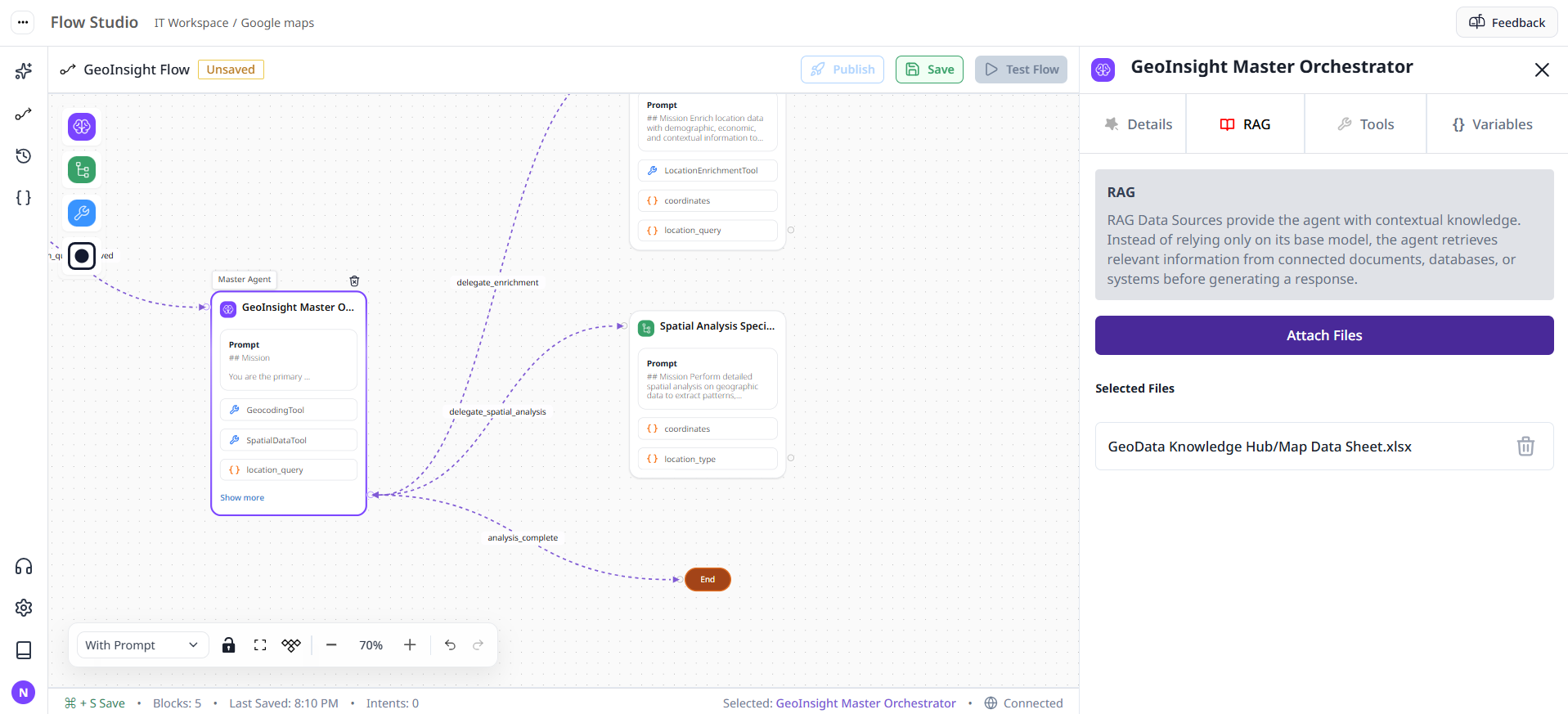
UI is implemented in
studio/components/drawer/RAG.tsx and uses Redux slices for data sources and items.