

Documentation Index
Fetch the complete documentation index at: https://docs.phinite.ai/llms.txt
Use this file to discover all available pages before exploring further.
Steps

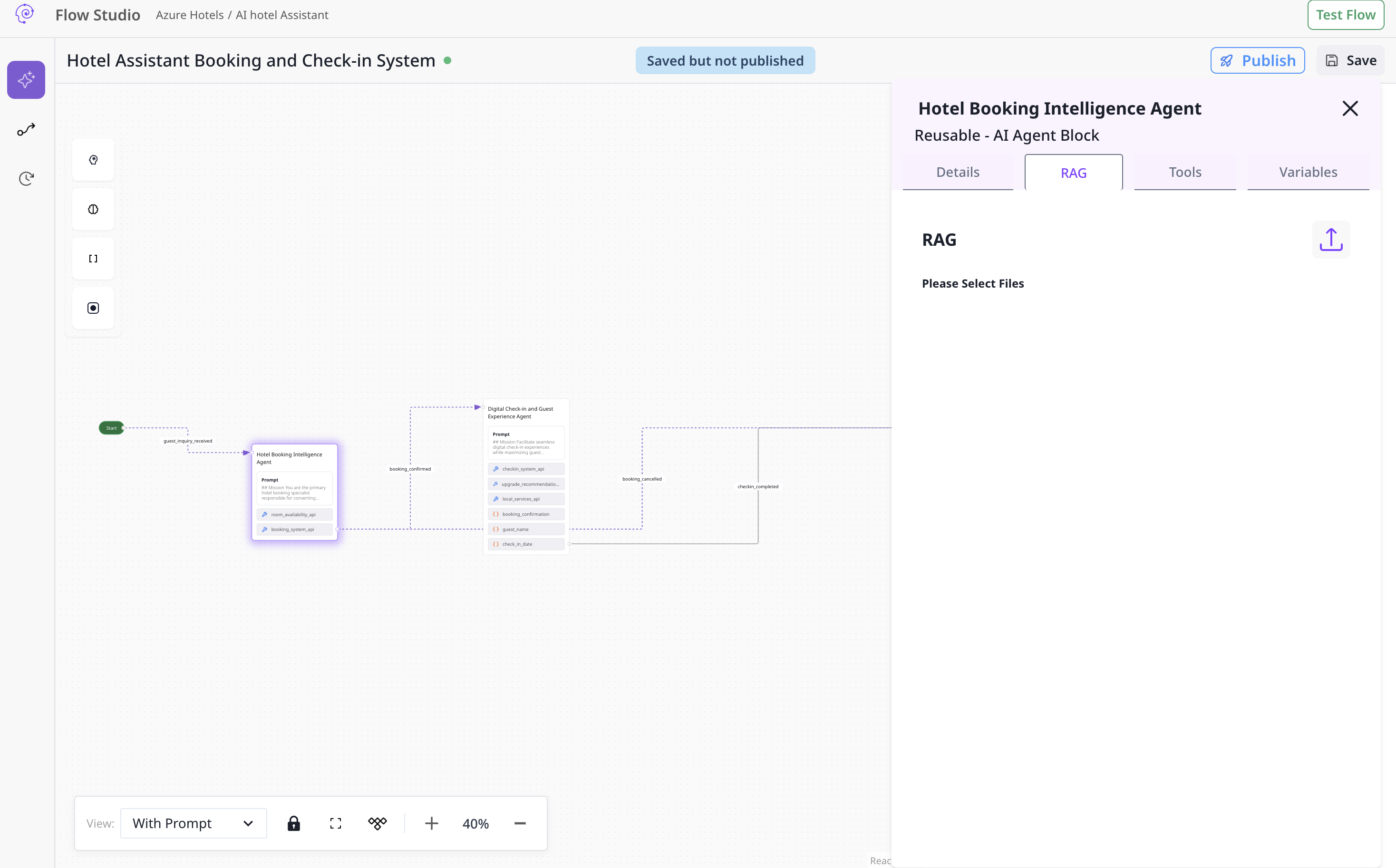
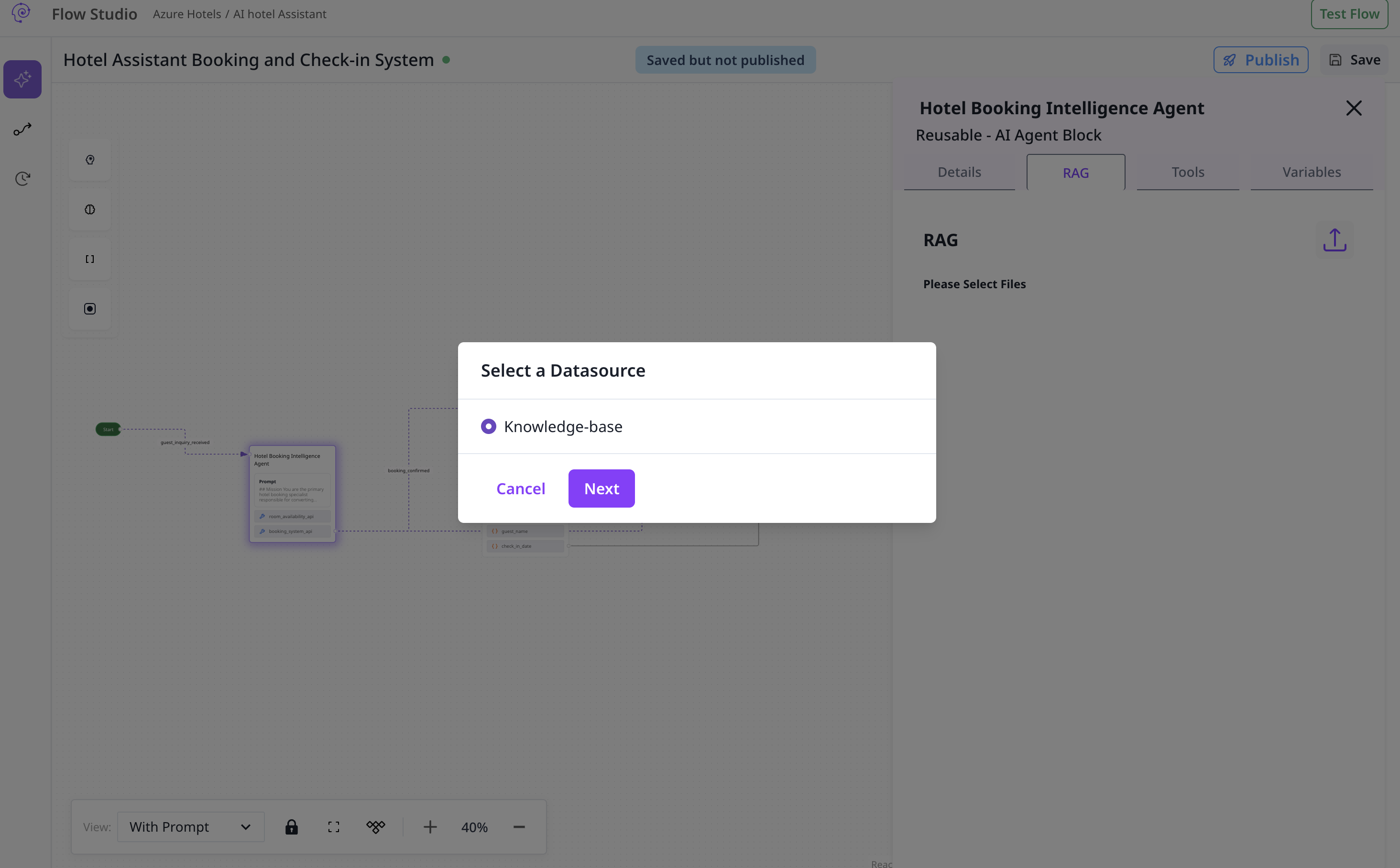
Select data source and items


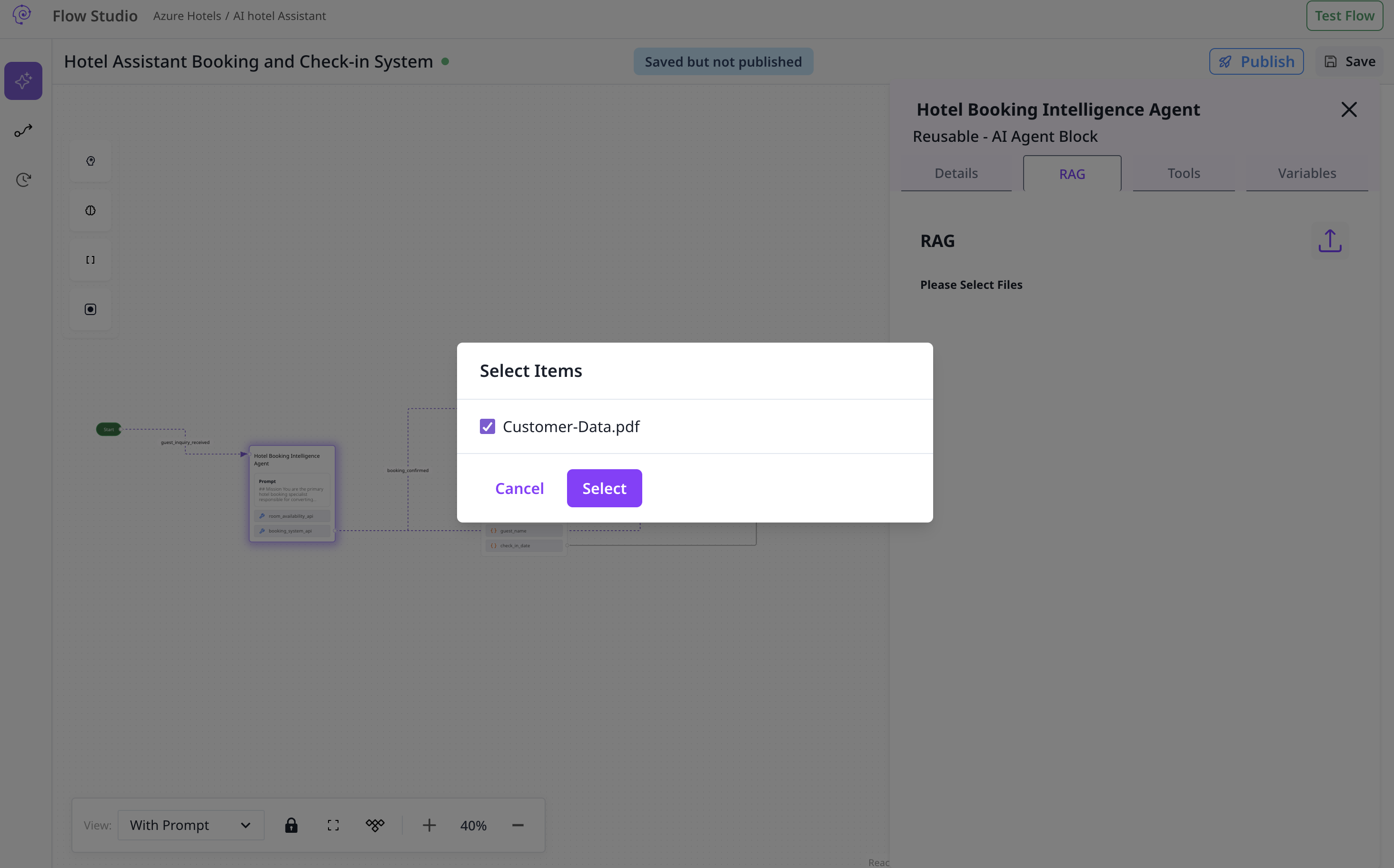
The agent should now cite or leverage attached knowledge where appropriate.