

Fixed Value
Hardcode a static value
Capture variables can be defined in three different ways, each serving a specific use case.
Fixed Value
Hardcode a static value
Referred
Reference an existing variable
AI Derived
Capture dynamically through conversation
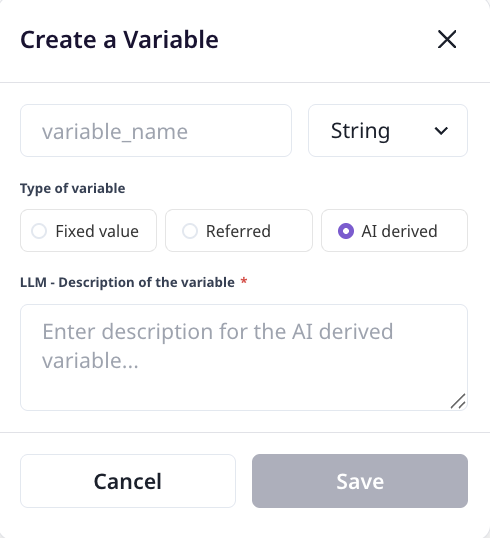
AI Derived variables are automatically captured through the conversation between the agent and the user based on the description you provide.
For Master Agents:
For Child Agents:
Provide detailed descriptions including data type and format requirements:
Variable Name: phone_numberDescription: A valid 10 digit phone number with country code and a '+'Variable Name: sql_queriesDescription: Proper SQL queries as a Python list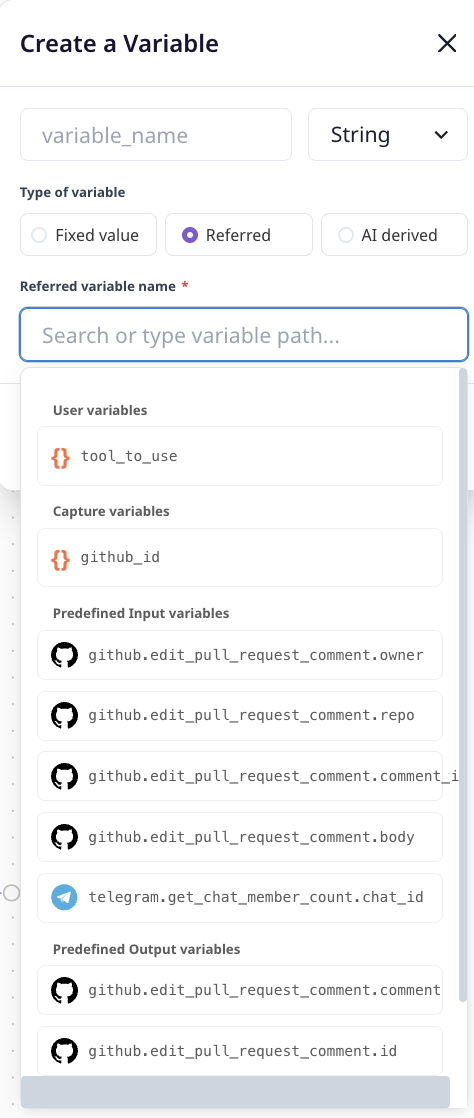
Referred variables allow you to copy the value from an existing session variable. This is useful when you need to pass data between agent nodes or reuse existing values.
Simply select the source variable from the available session variables.
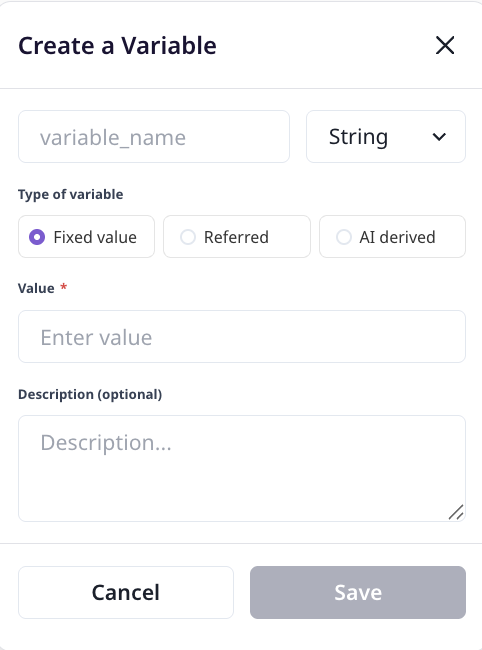
Fixed Value variables contain static, hardcoded values that remain constant throughout the workflow.