> ## Documentation Index
> Fetch the complete documentation index at: https://docs.phinite.ai/llms.txt
> Use this file to discover all available pages before exploring further.
# RAG (Knowledge Base)
> Attach data sources and collection items to ground agent responses.
## Attaching RAG
Use the RAG tab to select data sources and specific items (documents, tables, etc.). The selected list is saved with the agent and used at runtime.
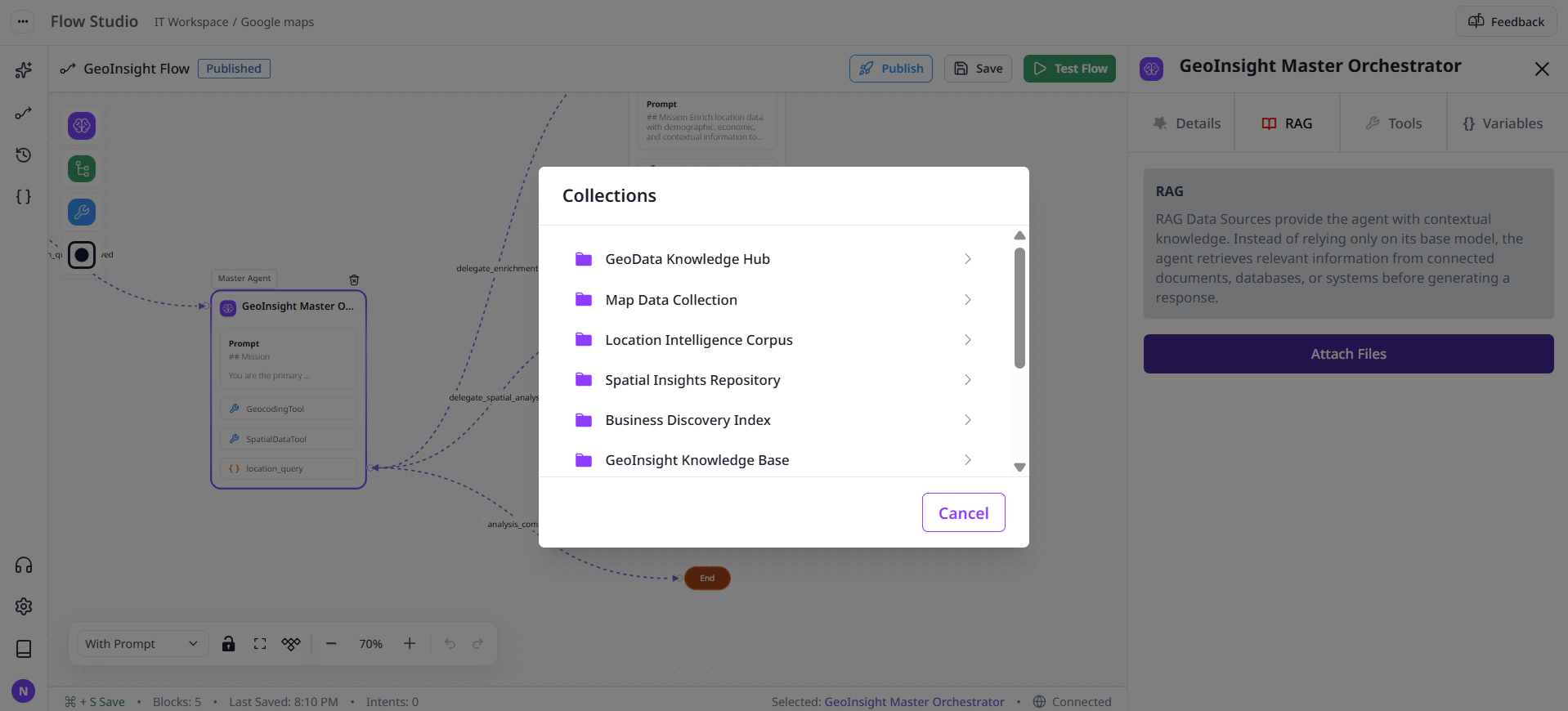 Select the agent block and open RAG.
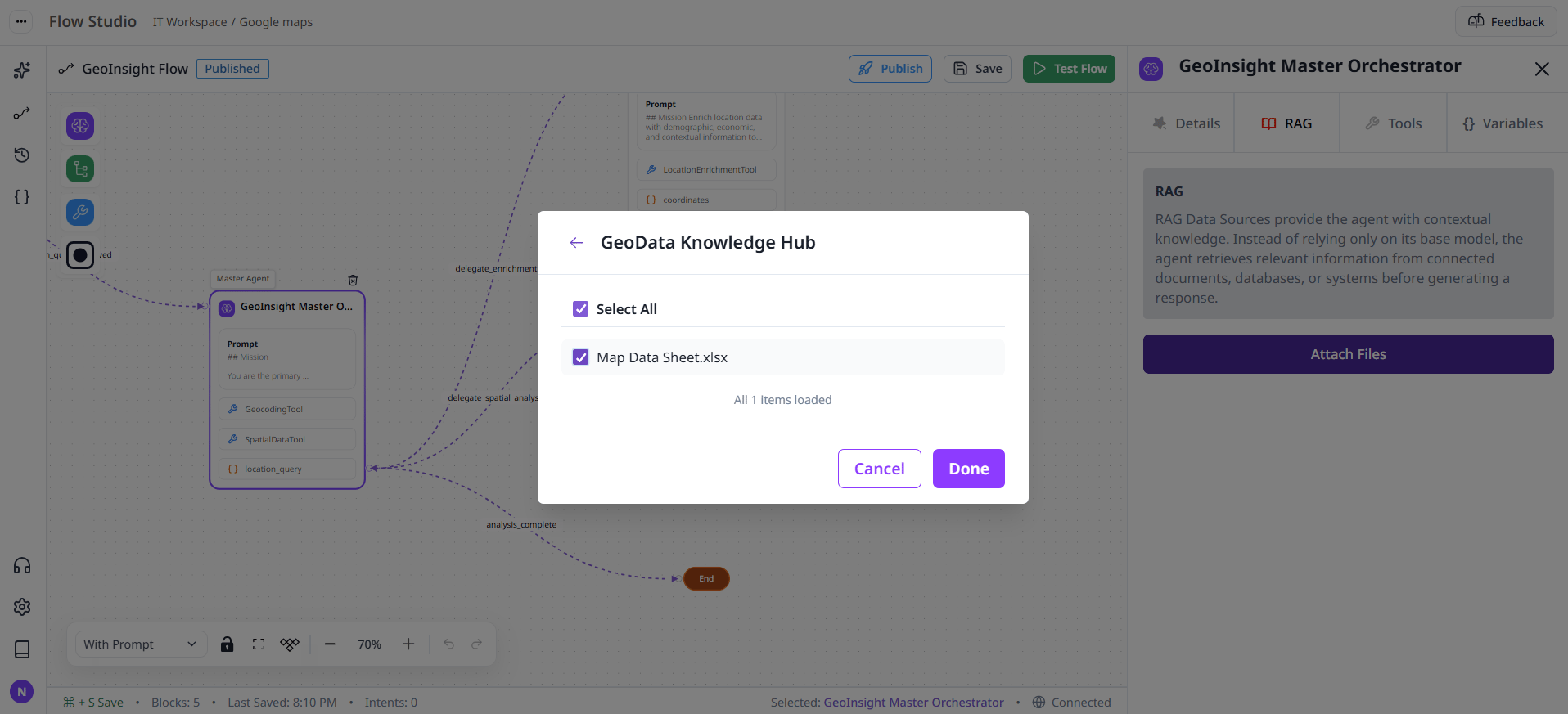 Pick a source, then fetch and select items relevant to the agent’s task.
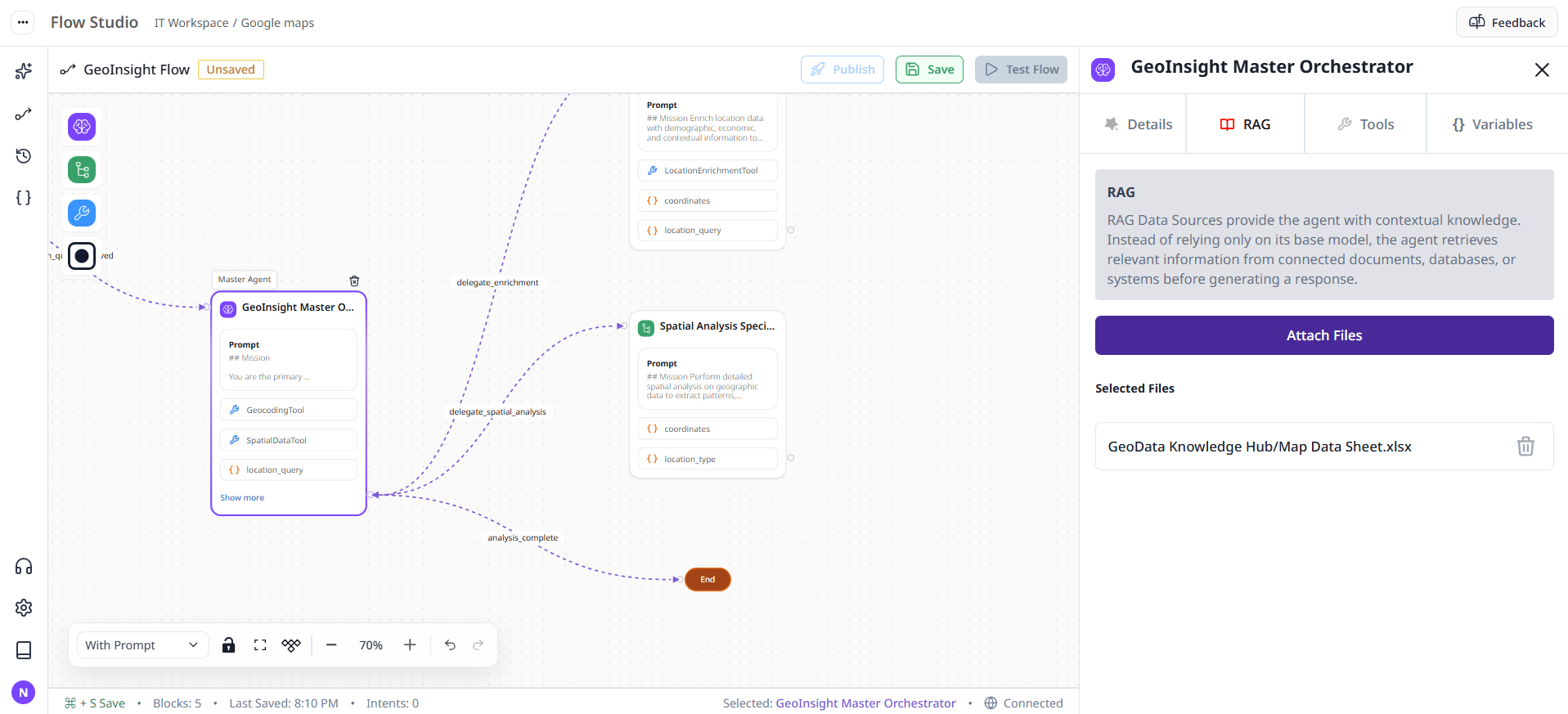 Confirm to persist selections.
UI is implemented in `studio/components/drawer/RAG.tsx` and uses Redux slices for data sources and items.
Confirm to persist selections.
UI is implemented in `studio/components/drawer/RAG.tsx` and uses Redux slices for data sources and items.