> ## Documentation Index
> Fetch the complete documentation index at: https://docs.phinite.ai/llms.txt
> Use this file to discover all available pages before exploring further.
# Web Chat
> Embed web chat and configure appearance and behavior.
## Setup
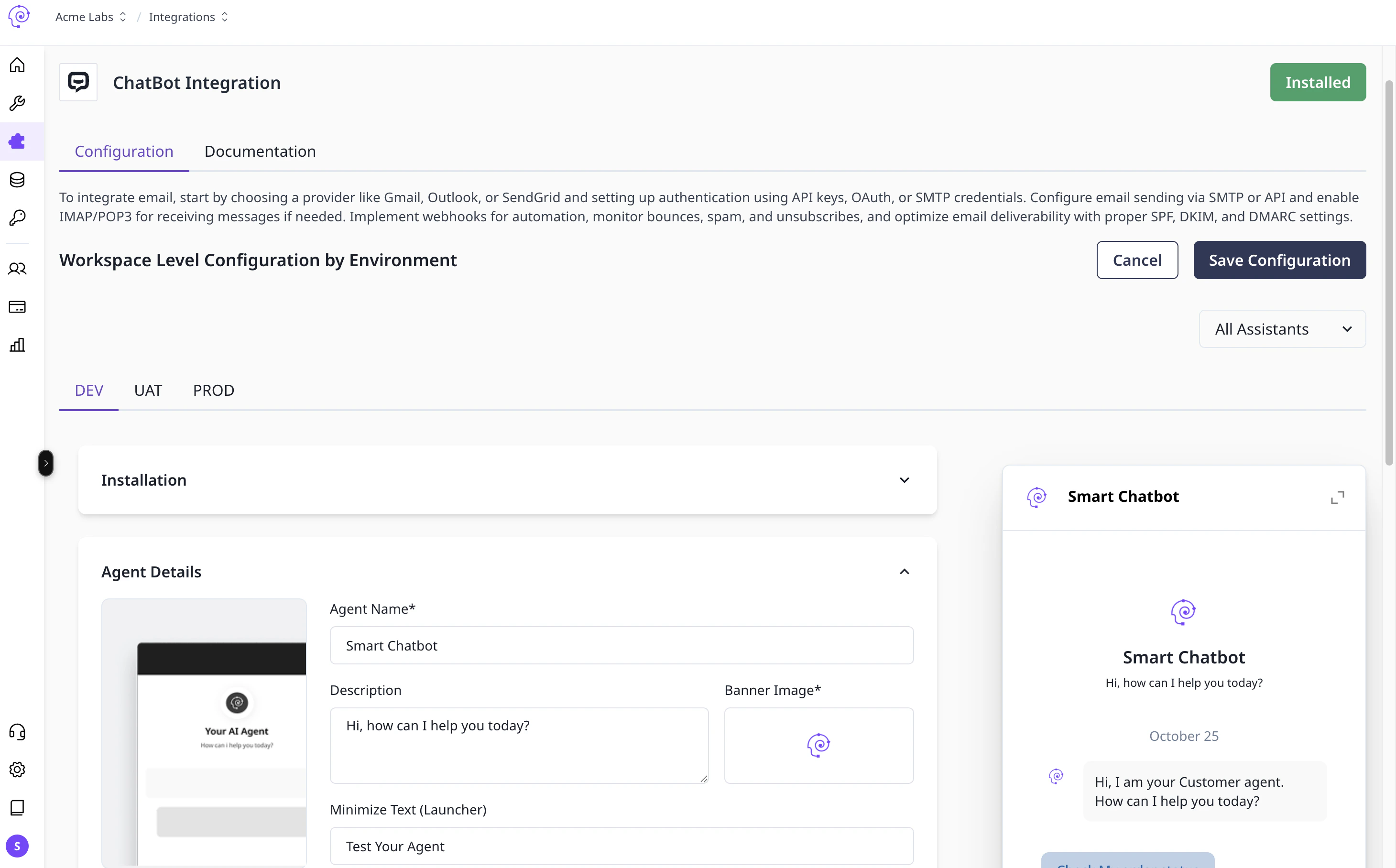 Add the embed script to your site.
Set colors, logo, and position.
Select the assistant and environment.
Test in Dev before enabling for users.
Add the embed script to your site.
Set colors, logo, and position.
Select the assistant and environment.
Test in Dev before enabling for users.