> ## Documentation Index
> Fetch the complete documentation index at: https://docs.phinite.ai/llms.txt
> Use this file to discover all available pages before exploring further.
# Deploy
> Deploy an Agent Build to a channel, Chat API, HTTP trigger, cron, or A2A.
After you create an **Agent Build**, use **Deploy** in Graph Studio to route that frozen snapshot to a runtime target. **Deploy** stays disabled until at least one build exists for the Agent Graph.
Golden path: design the graph → **Save** → **Build** → assign an **environment** → **Deploy** to a channel, trigger, or A2A endpoint.
WhatsApp, Slack, Teams, web chat, voice, email.
API webhook, Cron, or background task for Autonomous graphs.
Publish an Agent Card and hosted A2A URL.
Create and manage Agent Builds first.
## Deploy targets by graph type
### Conversational Agent Graphs
| Tab | Outcome |
| ---------------------- | ---------------------------------------------------------------------------------- |
| **Deploy as A2A** | Agent Card + hosted A2A URL ([Expose your flow](/agent-registry/expose-your-flow)) |
| **Deploy to Channel** | Assign build to a connected channel environment |
| **Deploy as Chat API** | HTTP chat endpoint for backends and apps |
### Autonomous Agent Graphs
| Tab | Outcome |
| ----------------- | ------------------------------ |
| **Deploy as API** | On-demand HTTP webhook trigger |
| **Cron job** | Scheduled runs on the platform |
| **Deploy as A2A** | Coming soon |
Conversational graphs support **Deploy as A2A** today. Autonomous **Deploy as A2A** may show as coming soon in the Deploy modal — use **Deploy as API** or **Cron job** for autonomous automation.
## Deploy an Agent Build
1. Create an **Agent Build** ([Builds overview](/builds/overview)) — the graph must be **Saved** first.
2. In Graph Studio, click **Deploy** on the toolbar.
3. Choose a tab matching your graph type (channel, Chat API, API, Cron, or A2A).
4. Select the **Agent Build** and target **environment** (start with **DEV**).
5. Complete any in-modal fields (webhook confirmation, schedule, Agent Card identity).
6. If prompted, finish channel or trigger setup in **Integrations** ([Configure integrations](/configure/integrations)).
## Where configuration lives
| Need | Go to |
| ----------------------- | ------------------------------------------------------------------------- |
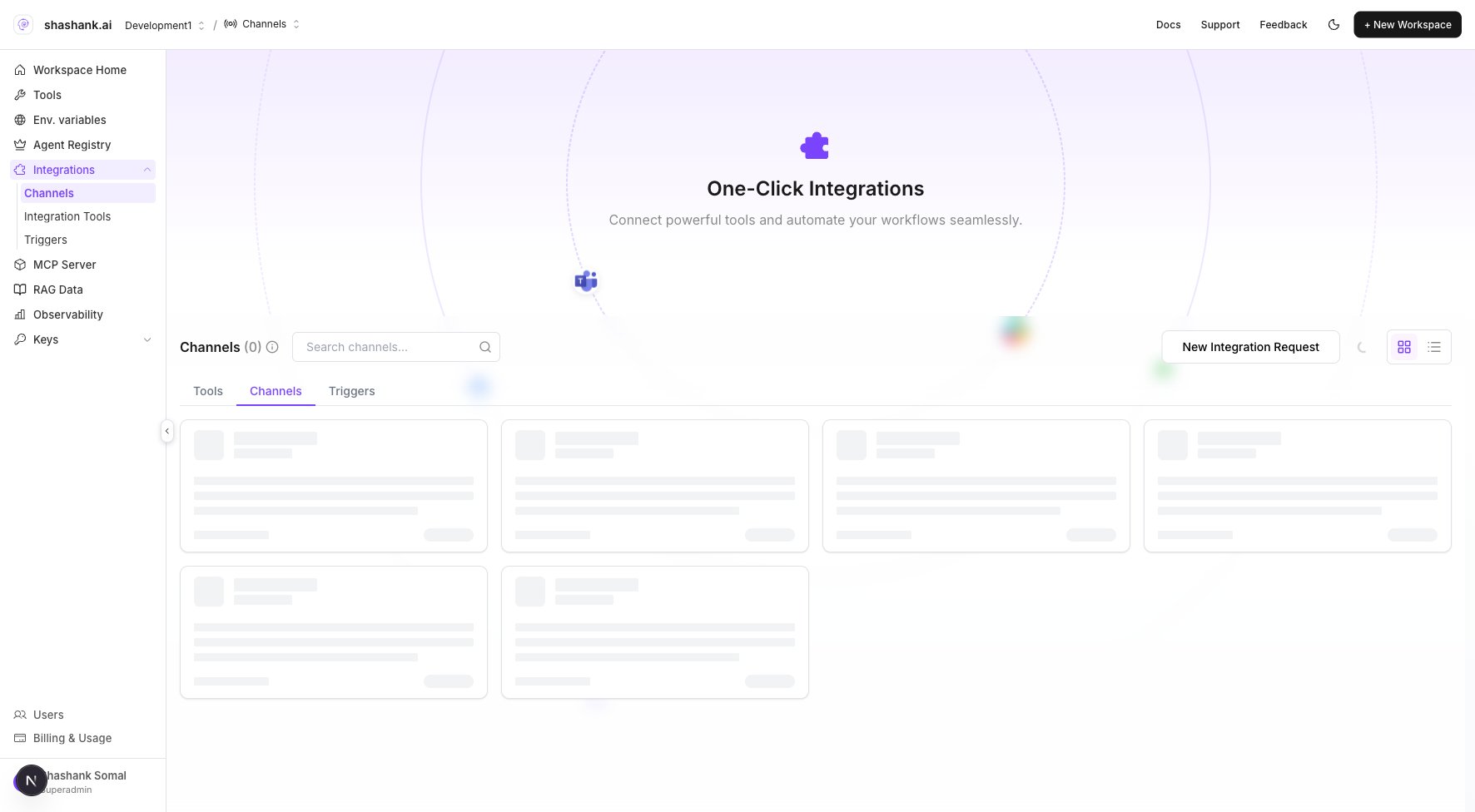
| Channels / triggers hub | Workspace **Integrations** (Tools / Channels / Triggers) |
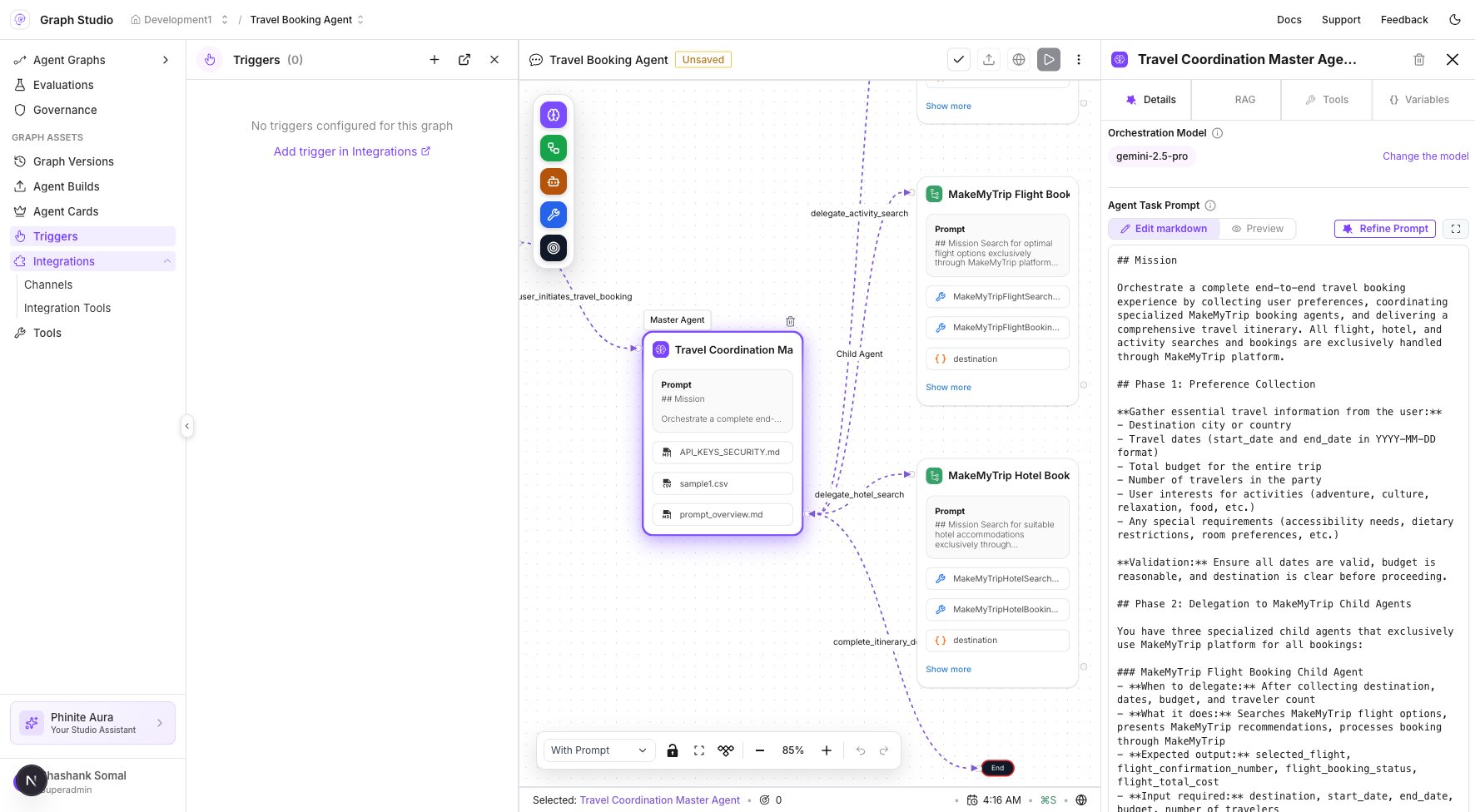
| Graph-scoped channels | Studio → **Integrations** → Channels |
| Graph-scoped triggers | Studio → **Triggers** |
| Env. variables | Workspace **Env. variables** ([Build environments](/builds/environments)) |
 ## Related
* [Deploy to channel](/agents/deploy-channel)
* [Deploy a trigger](/agents/deploy-trigger)
* [Expose your Agent Graph as A2A](/agent-registry/expose-your-flow)
* [Configuration overview](/configure/overview)
## Related
* [Deploy to channel](/agents/deploy-channel)
* [Deploy a trigger](/agents/deploy-trigger)
* [Expose your Agent Graph as A2A](/agent-registry/expose-your-flow)
* [Configuration overview](/configure/overview)