> ## Documentation Index
> Fetch the complete documentation index at: https://docs.phinite.ai/llms.txt
> Use this file to discover all available pages before exploring further.
# Deploy to a channel
> Assign an Agent Build to a channel environment for Conversational Agent Graphs.
Use **Deploy to Channel** for **Conversational** Agent Graphs on WhatsApp, Slack, Microsoft Teams, web chat, Twilio voice, email, and similar messaging surfaces.
Connect the channel in **Integrations** before deploying. Each channel generates **DEV**, **UAT**, and **PROD** webhook URLs — assign your build per environment as you promote.
## Prerequisites
1. A **Saved** Agent Graph with at least one **Agent Build** ([Builds overview](/builds/overview)).
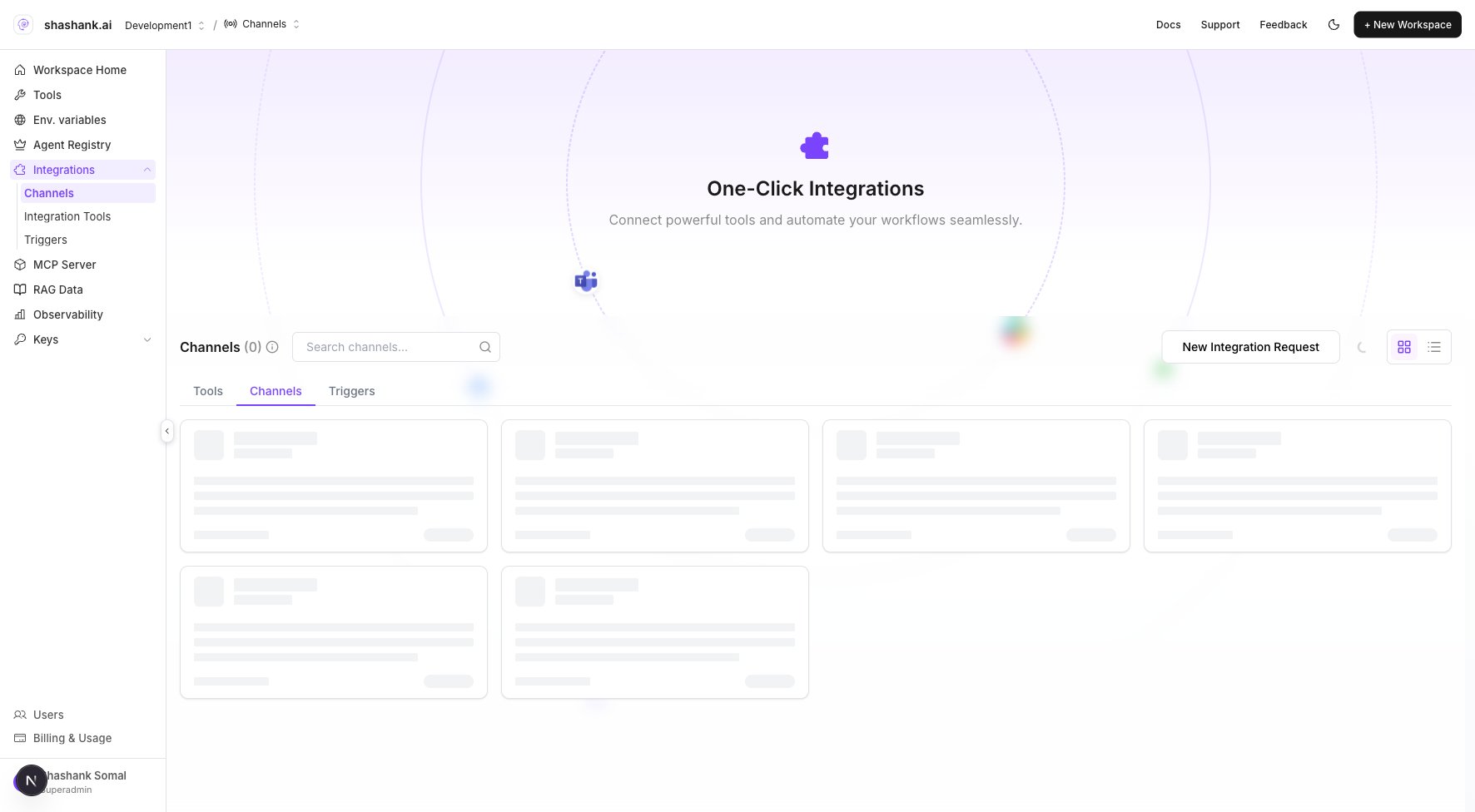
2. Channel credentials configured under workspace **Integrations** → **Channels** (or Studio → **Integrations** → Channels).
3. **Env. variables** set for the target environment if the graph or tools require secrets ([Build environments](/builds/environments)).
## Deploy to a channel
1. Open **Graph Studio** for the Conversational Agent Graph.
2. Connect the channel if you have not already:
1. Workspace **Integrations** → **Channels** → pick the channel type ([Supported channels](/channels/supported)).
2. Complete credential and webhook fields for **Development** first.
3. Click **Deploy** → **Deploy to Channel**.
4. Select the channel integration and **environment** (start with **DEV**).
5. Assign the **Agent Build** so inbound messages run that exact pinned snapshot.
6. Copy the environment-specific webhook URL into the provider (Slack Event Subscriptions, Teams messaging endpoint, etc.) if not already linked.
7. Send a test message on the channel; verify the run in [Observability logs](/observability/logs).
8. Promote the build assignment to **UAT** / **PROD** when validated.
 ## Channel guides
| Channel | Setup guide |
| ------------------------ | -------------------------------------- |
| Web chat | [Web Chat](/channels/webchat) |
| WhatsApp | [WhatsApp](/channels/whatsapp) |
| Slack | [Slack](/channels/slack) |
| Microsoft Teams | [Teams](/channels/teams) |
| Slack & Teams (combined) | [Slack / Teams](/channels/slack-teams) |
| Twilio Voice | [Twilio](/channels/twilio) |
| Email | [Email](/channels/email) |
## Related
* [Deploy](/agents/deploy)
* [Build environments](/builds/environments)
* [Integrations configuration](/configure/integrations)
## Channel guides
| Channel | Setup guide |
| ------------------------ | -------------------------------------- |
| Web chat | [Web Chat](/channels/webchat) |
| WhatsApp | [WhatsApp](/channels/whatsapp) |
| Slack | [Slack](/channels/slack) |
| Microsoft Teams | [Teams](/channels/teams) |
| Slack & Teams (combined) | [Slack / Teams](/channels/slack-teams) |
| Twilio Voice | [Twilio](/channels/twilio) |
| Email | [Email](/channels/email) |
## Related
* [Deploy](/agents/deploy)
* [Build environments](/builds/environments)
* [Integrations configuration](/configure/integrations)